Get more from
every recording.
Step-by-step how-tos, feature walkthroughs and real ways to use ThinkScribe for lectures, meetings, interviews and everyday notes.
Getting started
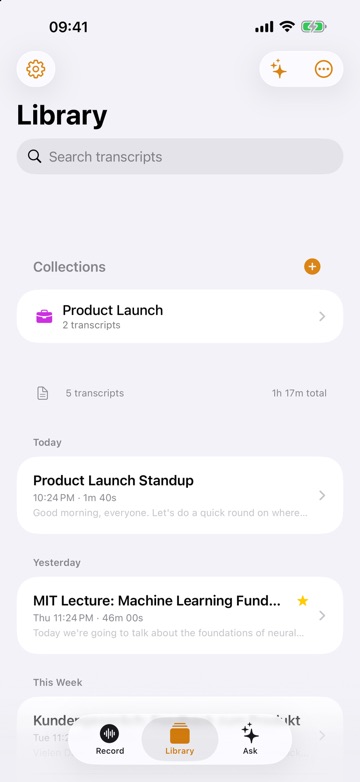
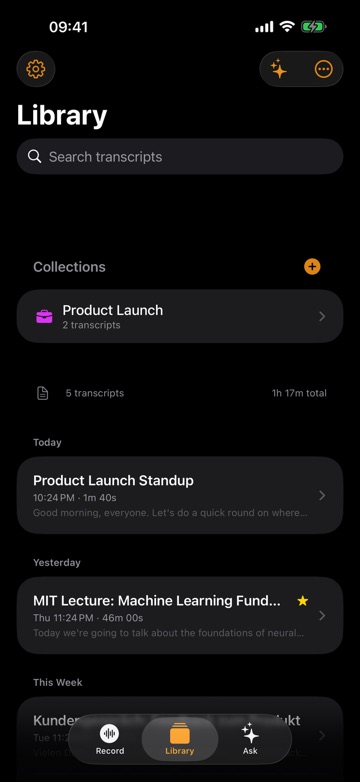
Voice to text on iPhone, iPad and Mac: the complete guide
The complete guide to voice to text on iPhone, iPad and Mac: record and transcribe, dictate in any app, import files, then summarize and search.
Guide7 min read
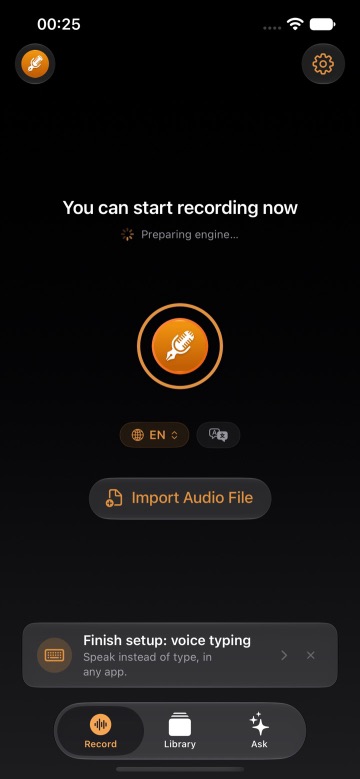
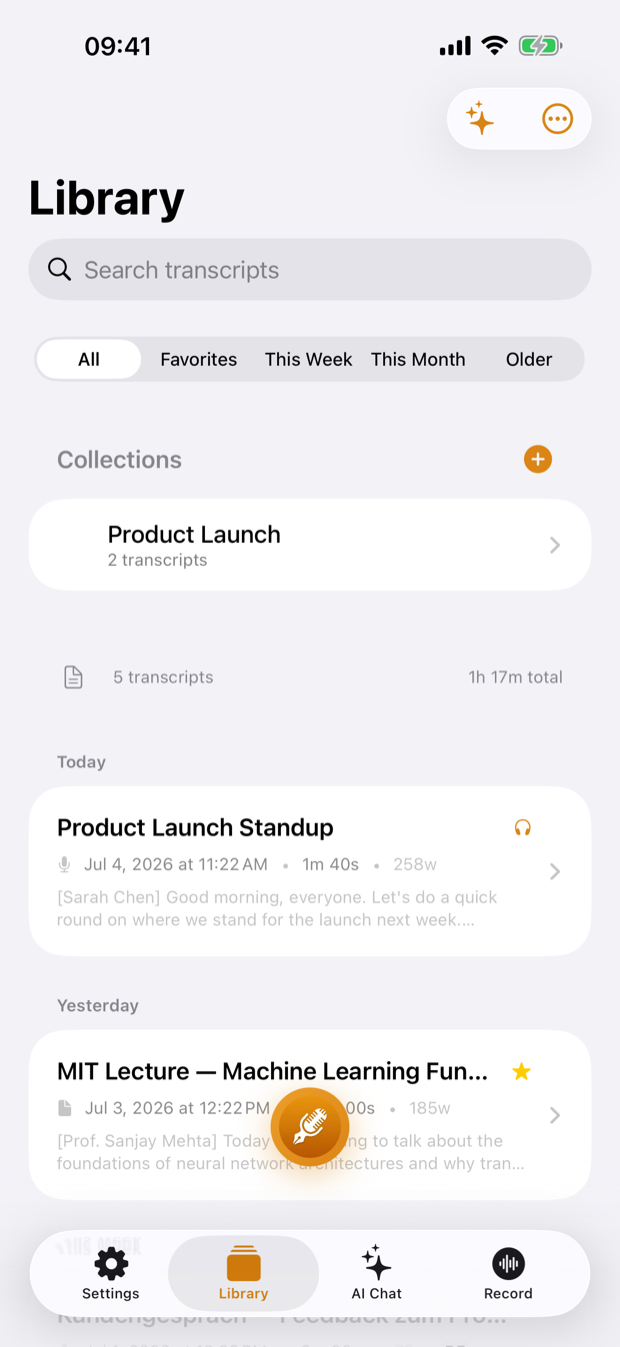
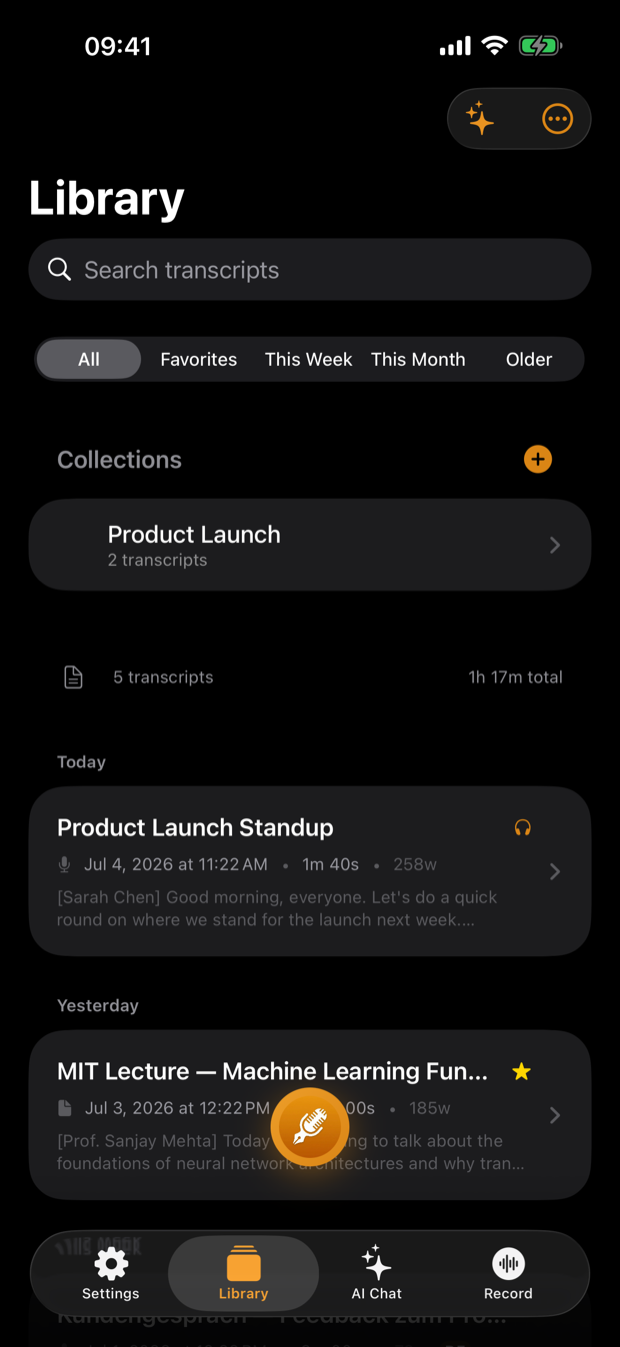
Get started with ThinkScribe on iPhone and iPad
Set up ThinkScribe on your iPhone or iPad, make your first recording, read and summarize the transcript, turn on voice typing, and transcribe files from other apps.
Guide9 min read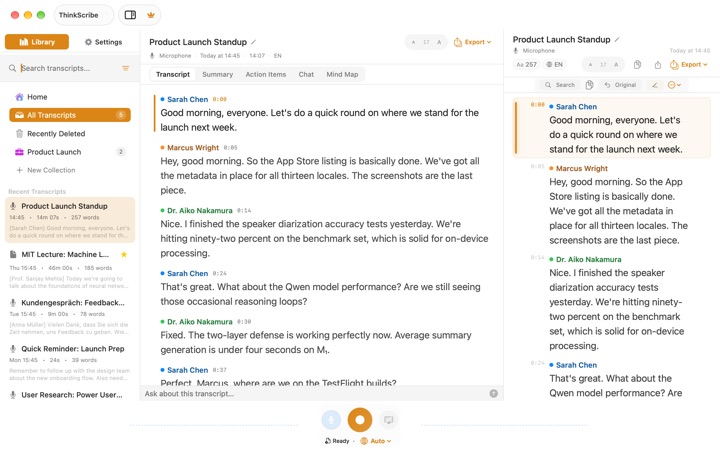
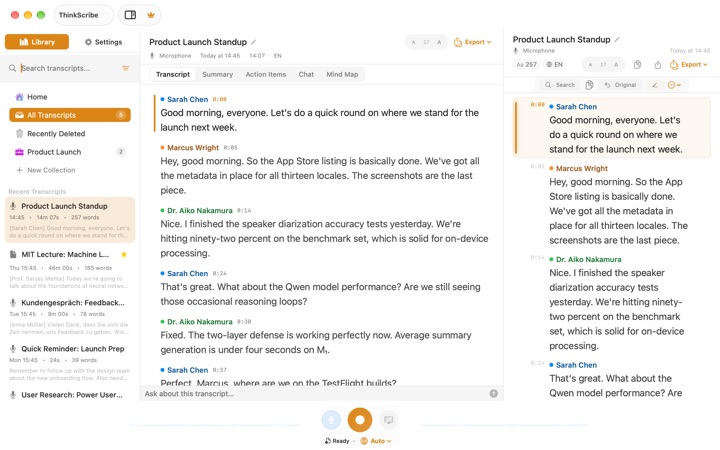
Get started with ThinkScribe on Mac
Install ThinkScribe on your Mac, grant the permissions it needs, and make your first voice typing, recording and file import in about five minutes.
Guide5 min readHow-to
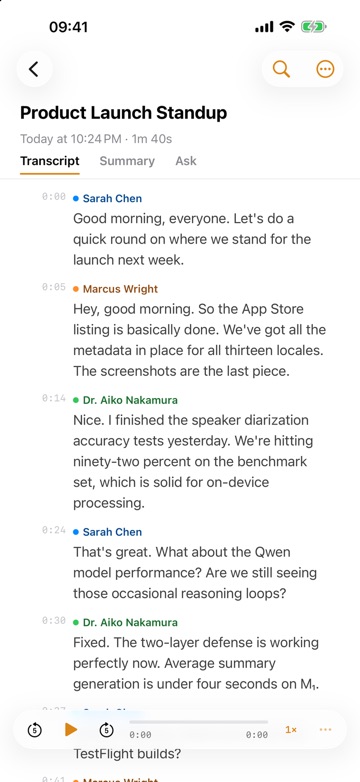
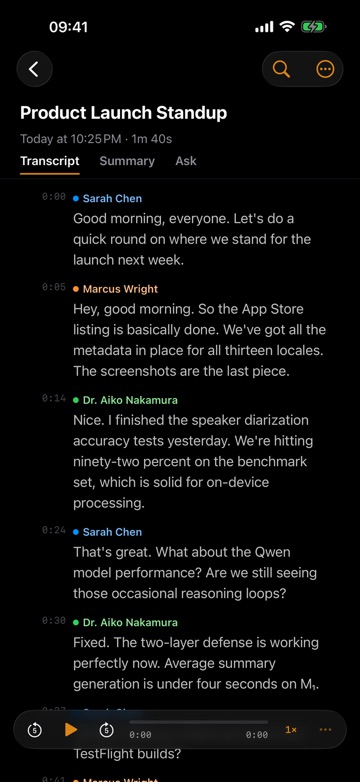
Record a meeting on iPhone and transcribe it, with speakers named
How to record a meeting on iPhone and transcribe it: where to put the phone, how to start and stop, name the speakers, then get a summary and meeting minutes.
Guide7 min read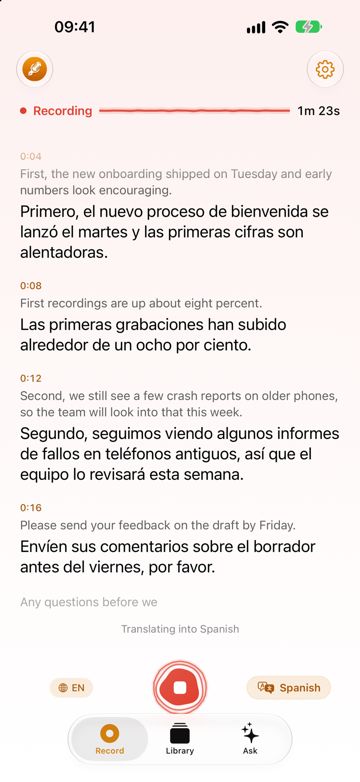
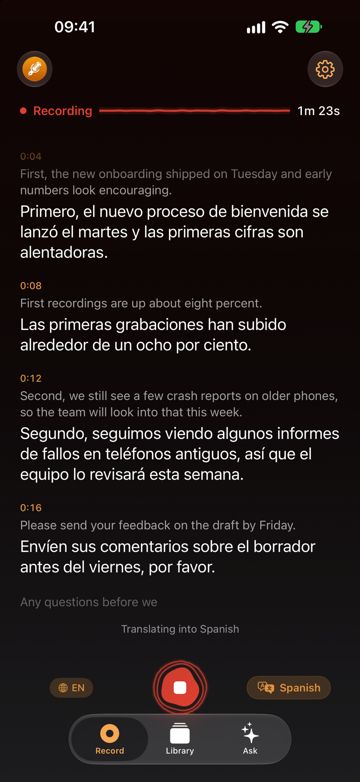
Translate an audio transcript to English on iPhone, iPad and Mac
How to translate an audio transcript to English or another language: transcribe the voice recording, then translate it, share it or export bilingual subtitles.
Guide6 min read
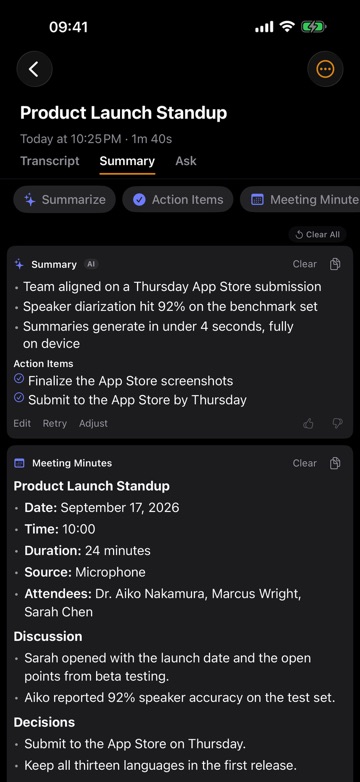
Meeting minutes and action items from a recording, step by step
How to get meeting minutes and action items from a meeting recording on iPhone or Mac: record, name speakers, generate minutes, check citations, and share them.
Guide6 min readTranscribe audio to text on iPhone: record or import a file
How to transcribe audio to text on iPhone: record or import a file from Voice Memos, WhatsApp or Files, pick the language, then search, clean and export it.
Guide6 min readVoice Memos transcription on iPhone and Mac, and where it stops
How to see, search and copy a Voice Memos transcript on iPhone and Mac, which devices and languages Apple supports, and what to do when you need more.
Guide7 min readBuild an automatic meeting notes pipeline on a Mac, the easy way
An automatic meeting notes workflow on a Mac: capture, transcribe, summarize and file every meeting, what a DIY pipeline involves, and how to skip the scripts.
Guide8 min readCloud dictation on a Mac with a hotkey: what a DIY build takes
Cloud dictation with a hotkey on a Mac: how a push-to-talk script records, uploads and pastes, what it costs, and a one-shortcut way to dictate instead.
Guide9 min readExport a transcript to PDF, Word, SRT and five other formats
Export a transcript to PDF, Word, SRT, VTT, JSON, Markdown, CSV or text on iPhone and Mac, plus Share to Notes on Mac, or back up your whole library.
Guide7 min readHow to Create SRT Subtitles from an Audio File on Mac
Create SRT or VTT subtitles from an audio file on a Mac: what a subtitle file needs, how to get one in a few clicks, and how to fix timing and line length.
Guide5 min readHow to transcribe a video to text on Mac and iPhone
Get text out of an MP4 or MOV: import the video, batch transcribe a folder on Mac, export SRT or VTT captions, and how it compares with auto-captions.
Guide8 min readHow to Transcribe Audio to Text on a Mac (Free and Offline)
How to transcribe audio to text on a Mac: what macOS already includes, what a do-it-yourself setup involves, and the one-step way to turn a file into text offline.
Guide6 min readLocal speaker diarization on a Mac: how it works, how to get it
Speaker diarization on a Mac without uploading audio: how who-spoke-when works, what a DIY toolkit setup involves, and how to get named speakers in a few taps.
Guide6 min readOffline dictation on iPhone with a voice typing keyboard
Set up offline dictation on iPhone. See which Apple keyboard dictation languages run on-device, then add a voice typing keyboard that works with no connection.
Guide6 min readOffline Whisper dictation on a Mac with a hotkey: what it takes
How offline Whisper dictation with a hotkey works on a Mac: model sizes, latency, permissions and limits of a DIY build, and the one-shortcut way to dictate.
Guide8 min readRecord a Zoom, Teams or Meet call on Mac without a bot
How to record both sides of a video call on a Mac with ThinkScribe using System audio capture, with no bot joining the meeting and no account.
Guide5 min readRecord Zoom and Teams meetings on Mac with system audio
How to record a Zoom or Teams meeting on a Mac with system audio: why it is tricky, what the meeting apps' own recorders do, and the one-step way with no bot.
Guide6 min readRun Whisper locally on a Mac: what it takes, and the one-step way
Running Whisper locally on a Mac means a model file, audio conversion and Terminal upkeep. What that involves, and how to get an offline transcript in one step.
Guide9 min read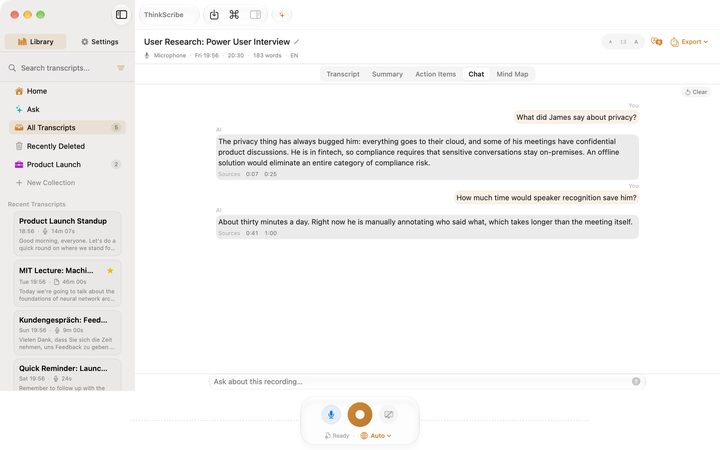
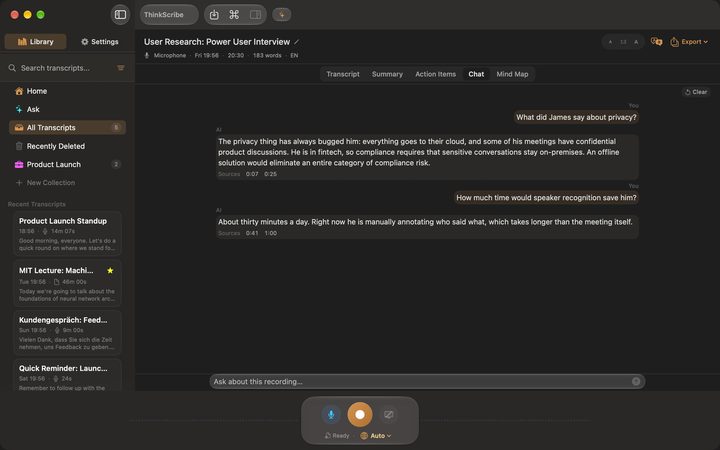
Summarize meeting transcripts locally on a Mac, without the setup
Summarize a transcript locally on your Mac: how a language model on the Mac does it, prompts, context limits, chunking, and the one-click way in ThinkScribe.
Guide7 min readSync transcripts between iPhone, iPad and Mac
How to turn on iCloud sync for transcripts, what moves between iPhone, iPad and Mac, what stays put, and how deletion and recovery work across devices.
Guide7 min readTranscribe an audio or video file on Mac, iPhone and iPad
How to transcribe an audio or video file on Mac, iPhone or iPad: Import Audio File, the share sheet, drag and drop, batch imports and choosing the language.
Guide7 min readTranscribe WhatsApp voice messages on iPhone, three ways
Three ways to transcribe WhatsApp voice messages on iPhone. WhatsApp's own transcripts, Voice Memos, and a share-to-app route that works offline for any audio.
Guide8 min readTurn long voice messages into text you can read
How to turn a long voice message into text you can skim, search and quote, why long voice notes are the real problem, and how it works with no connection.
Guide8 min readVoice typing on Mac, dictation setup that works in any app
How to set up voice typing on Mac. Understand Apple Dictation and its limits, then dictate into any app with a shortcut that transcribes on your Mac.
Guide6 min readUse cases
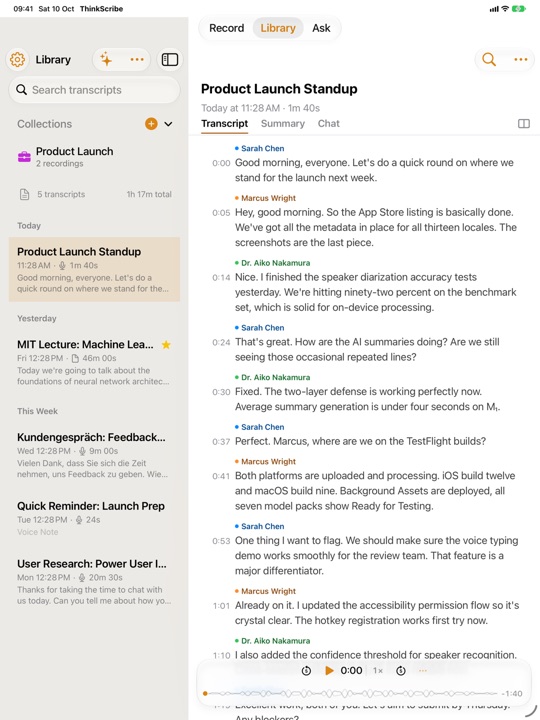
Record a lecture on iPad while you take notes in another app
How to record and transcribe a lecture or meeting on iPad while you write in Goodnotes, Notability or Apple Notes: ThinkScribe keeps recording next to your notes app.
Guide4 min readInterview transcription for journalists: from tape to quote
An interview transcription app for journalists: record in person or calls on a Mac, name speakers, find the quote, check it against the audio, then export.
Article7 min read
Voice field notes app that works offline: iPhone and Watch
A voice field notes app that works offline: dictate observations hands-free on Apple Watch or iPhone, get searchable text with no signal, and export when back.
Article6 min readHow to record a lecture and turn it into study notes
Record the lecture on a phone or laptop, get a transcript you can search, and turn it into summaries, key points and questions you can revise from before the exam.
Guide7 min readHow to transcribe research interviews without uploading them
Interview transcription for research: verbatim or intelligent verbatim, speaker labels, anonymising as you go, and getting the file into your analysis tool.
Guide6 min readTurn a podcast episode into a transcript, show notes and chapters
A repeatable workflow for podcast transcription: clean speaker-labelled text, show notes and chapter markers, subtitles for the video cut, all from one recording.
Guide6 min read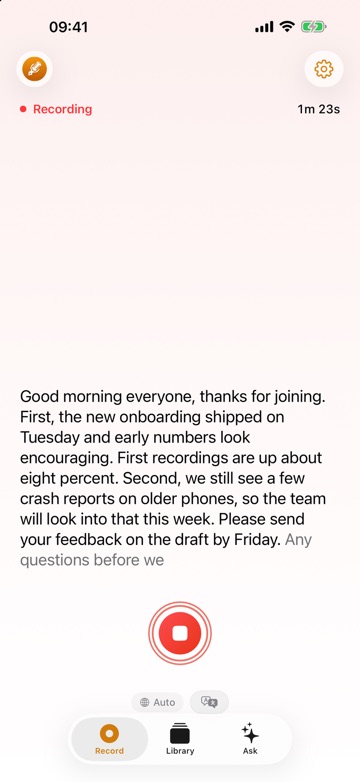
Live captions and transcripts as an accessibility tool
How live captions and recorded transcripts help deaf and hard of hearing people, how live text and a transcript work together, and what this app is not.
Article11 min readPrivate Medical and Legal Dictation on Mac and iPhone
Why clinicians and lawyers need a private medical dictation app or legal dictation software that keeps audio on the device, and what to check with compliance.
Article9 min readSermon Transcription Guide, from Recording to Transcript
A practical sermon transcription guide: how to record in a sanctuary, transcribe a sermon to text on a Mac or iPhone, label Q&A speakers, and publish it.
Guide7 min read
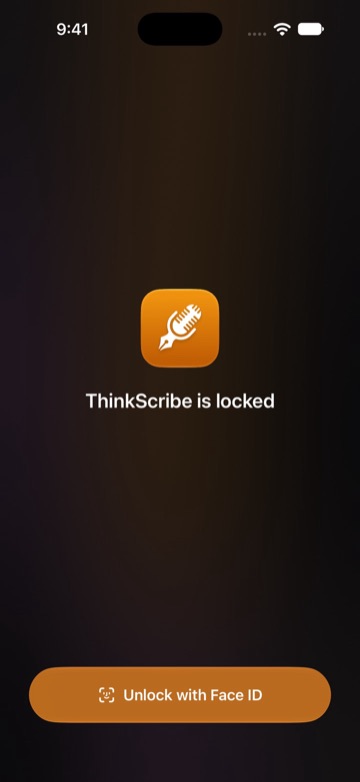
Voice journaling on iPhone, Apple Watch and Mac, transcribed on device
How to keep a voice journal on iPhone, Apple Watch or Mac: quick entries, transcripts made on your device, a Face ID lock, and finding an old entry.
Guide11 min readFeatures
How to turn a lecture or meeting recording into a mind map
Turn a lecture into a mind map, or build a mind map from meeting notes: record or import the audio, then open the Summary tab and tap Mind Map in ThinkScribe.
Article7 min read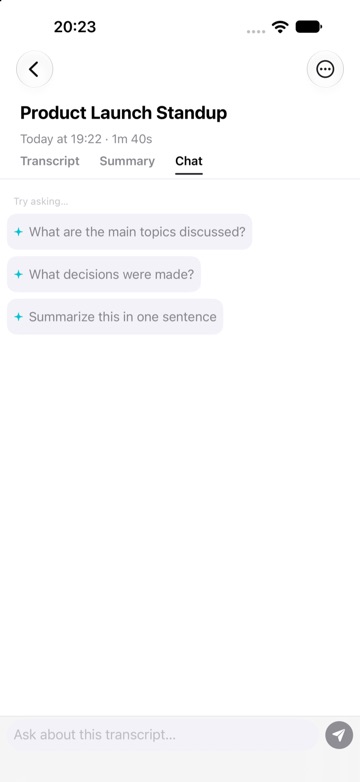
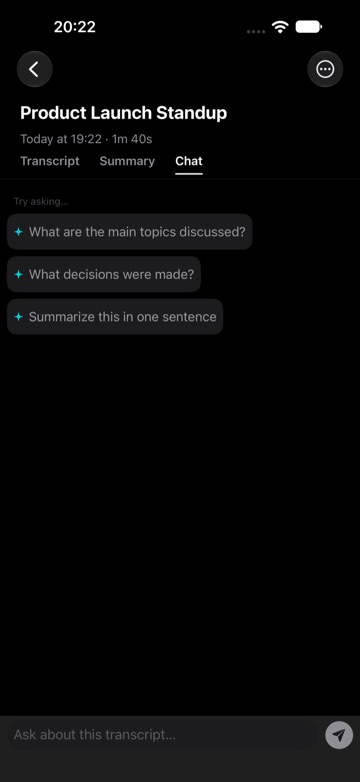
Chat with a recording: ask questions about an audio recording
How to chat with a transcript and ask questions about an audio recording in ThinkScribe, with good questions for meetings, lectures and interviews.
Article7 min readLive transcription on iPhone: see words on screen as you speak
Live transcription on iPhone with ThinkScribe: real-time speech to text on screen as you record, a live translation line, and a full transcript after.
Article7 min read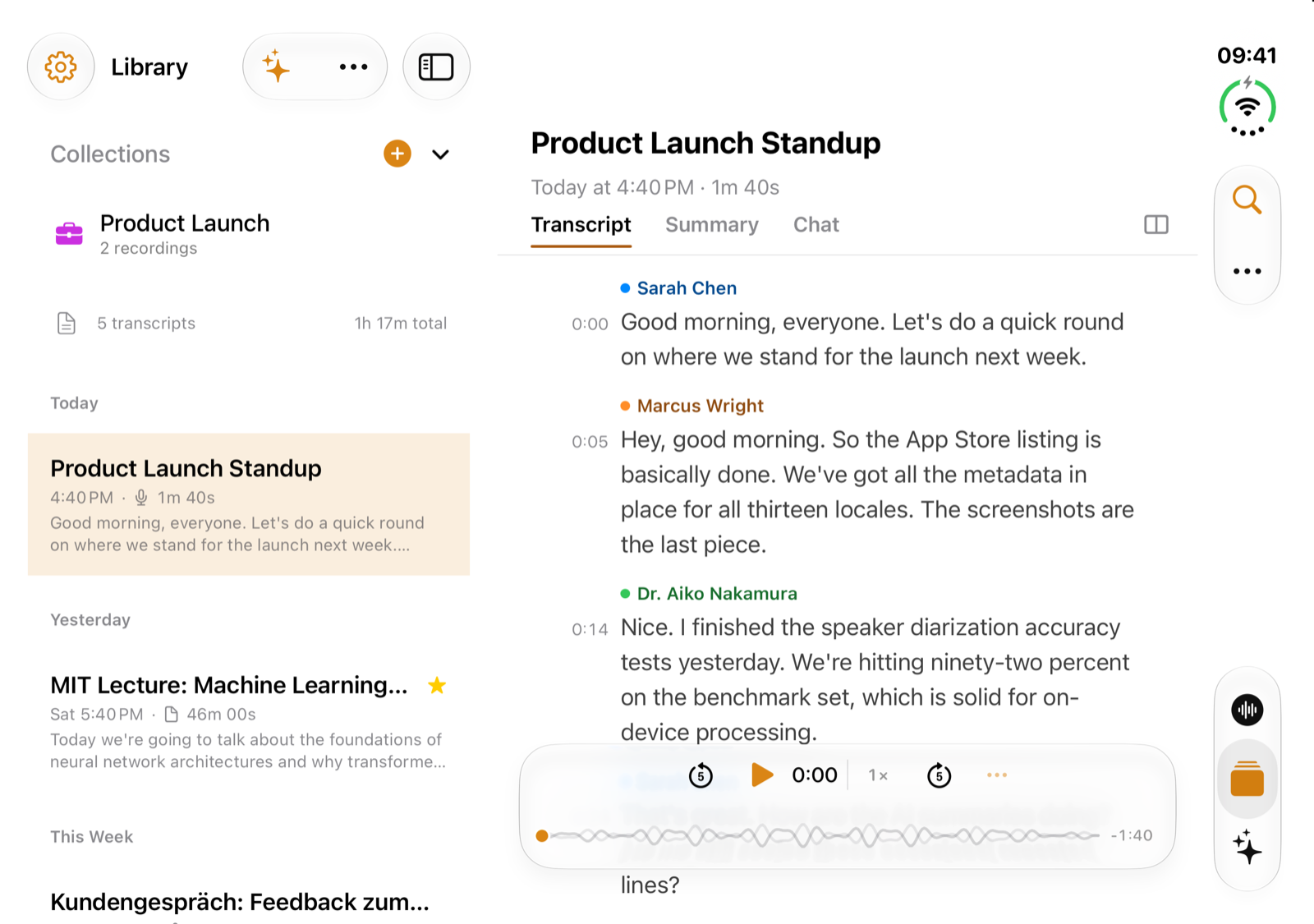
ThinkScribe on iPhone Duo: voice recorder, transcripts and AI notes
ThinkScribe works on iPhone Duo: it records and transcribes on the phone, offline. Open it for your Library beside a recording and its transcript beside the summary.
Guide9 min readSearch inside audio recordings with searchable transcripts
How to search inside audio recordings: ThinkScribe turns every recording into a searchable transcript, finds the word across your library and plays the moment.
Article7 min readApple Watch voice recorder: record on the watch, transcribe on iPhone
How to use the Apple Watch voice recorder in ThinkScribe: record from your wrist, transcribe on your iPhone, and fix a recording that has not arrived.
Guide6 min readCustom vocabulary: teach transcription your names and jargon
How to add names, product words and jargon to ThinkScribe's custom vocabulary on Mac and iPhone, and what biasing can and cannot fix.
Guide7 min readDictate into any Mac app with the Option-Space shortcut
How to dictate into Mail, Slack, a browser or your editor on a Mac: the Option-Space shortcut, the floating bar, Escape to cancel, and direct insertion.
Guide4 min readOn-device meeting summaries, action items and answers
Turn a transcript into an on-device meeting summary, action items, minutes or a mind map, and ask questions about the recording.
Guide6 min readSpeaker identification: name who is speaking in a transcript
How speaker identification works in ThinkScribe: name Speaker 1 once, enroll a colleague, fix a wrong label, and merge duplicate speakers.
Guide8 min readResearch
Best apps for iPhone Duo: which are optimized, and which are not yet
Apps ready for iPhone Duo on launch day, checked October 22, 2026: Things, Notion, Instagram, Slack, ThinkScribe and more, and what reviewers found letterboxed.
Article21 min readThe best apps to record and transcribe lectures in 2026
ThinkScribe, Notability, Goodnotes, Otter, Apple Notes and Voice Memos, Notta and OneNote compared for students who record lectures on iPhone, iPad and Mac.
Article11 min readThe best apps to transcribe audio and video files in 2026
ThinkScribe, MacWhisper, TurboScribe, Descript, Otter, Aiko, Whisper Notes and Happy Scribe compared for turning audio and video files into text on Mac, iPhone, web.
Article11 min readThe best dictation apps for Mac in 2026
ThinkScribe, Wispr Flow, Superwhisper, Apple Dictation, VoiceInk, Spokenly and MacWhisper compared for Mac voice typing: offline use, AI clean-up, hotkeys, price.
Article10 min readThe best Plaud alternatives in 2026, with and without a recorder
ThinkScribe, Apple Voice Memos and Notes, Otter, Bee, Omi, HiDock P1 and soundcore Work compared as Plaud alternatives on price, minutes, live text and calls.
Article12 min readThe best voice recorders that transcribe to text in 2026
Recorders and apps that turn speech into text: ThinkScribe, Apple Voice Memos, Plaud, Whisper Notes, Otter, Notta, Happy Scribe and Philips VoiceTracer.
Article8 min readThe best AI meeting notes apps for Mac without a bot in 2026
ThinkScribe, Granola, Superwhisper, MacWhisper, Wispr Flow, Otter, Fireflies and Jamie compared for Zoom, Teams and Meet calls on a Mac without a bot.
Article10 min readThe best dictation apps and voice keyboards for iPhone in 2026
ThinkScribe, Apple Dictation, Wispr Flow, Superwhisper, Willow and Gboard compared on privacy, offline use, AI clean-up and what else they do.
Article7 min readThe best offline transcription apps for Mac in 2026
ThinkScribe, MacWhisper, Superwhisper, Otter, Buzz and Apple's own apps compared on privacy, speakers, meeting recording, AI and price.
Article9 min readThe best Otter.ai alternatives in 2026
ThinkScribe, Granola, Fireflies, Notta, Jamie and MacWhisper compared as Otter alternatives, for privacy, meeting bots, speaker names and AI notes.
Article7 min readThe best voice recorder apps with transcription for iPhone in 2026
ThinkScribe, Voice Memos, Otter, Just Press Record and Notta compared for recording and transcribing meetings, lectures and voice notes on iPhone.
Article6 min readBrain-to-Text in 2026: Where Thought-to-Speech Really Stands
Brain-to-text and brain-to-speech in 2026, with sources: implants restoring speech in ALS, Neuralink's VOICE trial, Meta's non-invasive decoders, and the limits.
Article9 min readCan AI Read Your Thoughts? Non-Invasive Brain Decoding in 2026
What EEG, MEG and fMRI brain decoders can really do in 2026: Meta Brain2Qwerty, UT Austin's semantic decoder, NTT mind captioning, the EMG wristband, and the hype.
Article8 min readHow Speech Brain-Computer Interfaces Turn Neural Signals Into Words
A technical but readable guide to speech BCIs: electrodes, phoneme decoders, CTC, language models, LLM rescoring, and direct brain-to-voice synthesis, with sources.
Article9 min readMeta Brain2Qwerty Explained: Brain-to-Text Without Surgery
How Meta's Brain2Qwerty turns MEG and EEG brain signals into typed sentences: the 2026 Nature Neuroscience results, the v2 LLM decoder, and its real limits.
Article8 min readNeuralink Thought-to-Text: What the VOICE Trial Has Shown So Far
Neuralink's speech and thought-to-text work in 2026: the VOICE trial, the FDA designation, typing speeds, and how the claims compare with published research.
Article6 min readNVIDIA Nemotron 3 Diarization: The 8-Speaker Open Model Explained
NVIDIA's Nemotron 3 Diarization tells up to 8 speakers apart in real time. How it works, its benchmark scores, the licence, and what it means for on-device apps.
Article7 min readThe Best Open Speech Recognition Models in 2026
Nemotron 3.5 Transcribe, Qwen3-ASR, Granite Speech 5.0, Parakeet, Cohere, Voxtral, Whisper and more: 2026's open speech-to-text models compared.
Article14 min readCloud transcription API pricing per hour, and the costs around it
Cloud transcription API pricing per hour of audio: batch and streaming ranges, worked yearly costs, hidden charges, and transcribing with no per-minute bill.
Article8 min readHow much RAM does a Mac need for Whisper and a local LLM?
How much RAM a Mac needs for Whisper and a local LLM: unified memory, model sizes by quantization, KV cache growth, and 8, 16, 32 and 64 GB budgets.
Article8 min readHow Speaker Diarization and Speaker Recognition Work
Speaker diarization explained in plain words: how software splits audio by speaker, matches voices across recordings, where it fails, and how to help it.
Article8 min readOffline speech to text on iPhone: what the platform allows
Offline speech recognition on iPhone: Apple's on-device dictation, the iOS 26 SpeechAnalyzer API, Whisper models, and why keyboard extensions cannot use the mic.
Article9 min readOn-device transcription vs cloud: privacy, cost and speed
What on-device transcription means technically, what cloud services do with your audio, the per-minute billing math, and the cases where cloud still wins.
Article8 min readRun NVIDIA Parakeet locally on Apple silicon: what it takes
Running NVIDIA Parakeet TDT locally on a Mac: the model, its 25 languages, speed against Whisper, memory, what a manual setup involves and the one-step way.
Guide8 min readSelf-host a transcription server? What it really costs you
Should you self-host a transcription server? What running one involves, the hardware, security and running costs, and the alternative on devices you own.
Guide9 min readWhisper vs Parakeet: Which On-Device Speech Model Is Better?
Whisper vs Parakeet TDT compared in plain words: architecture, speed, languages, accuracy, hallucinations and when to pick which on-device speech to text model.
Article8 min readWhy Whisper hallucinates and repeats itself, and what stops it
Whisper hallucination and repetition loops explained: why silence becomes 'Thank you for watching', what reduces it, and how to check a transcript you rely on.
Article8 min read