
For macOS
Your Mac,
dictated and transcribed.
Global voice typing in any app, meeting recording with system audio, and an AI assistant for your transcripts, built for Apple Silicon.


One purchase covers Mac, iPhone, iPad & Apple Watch.
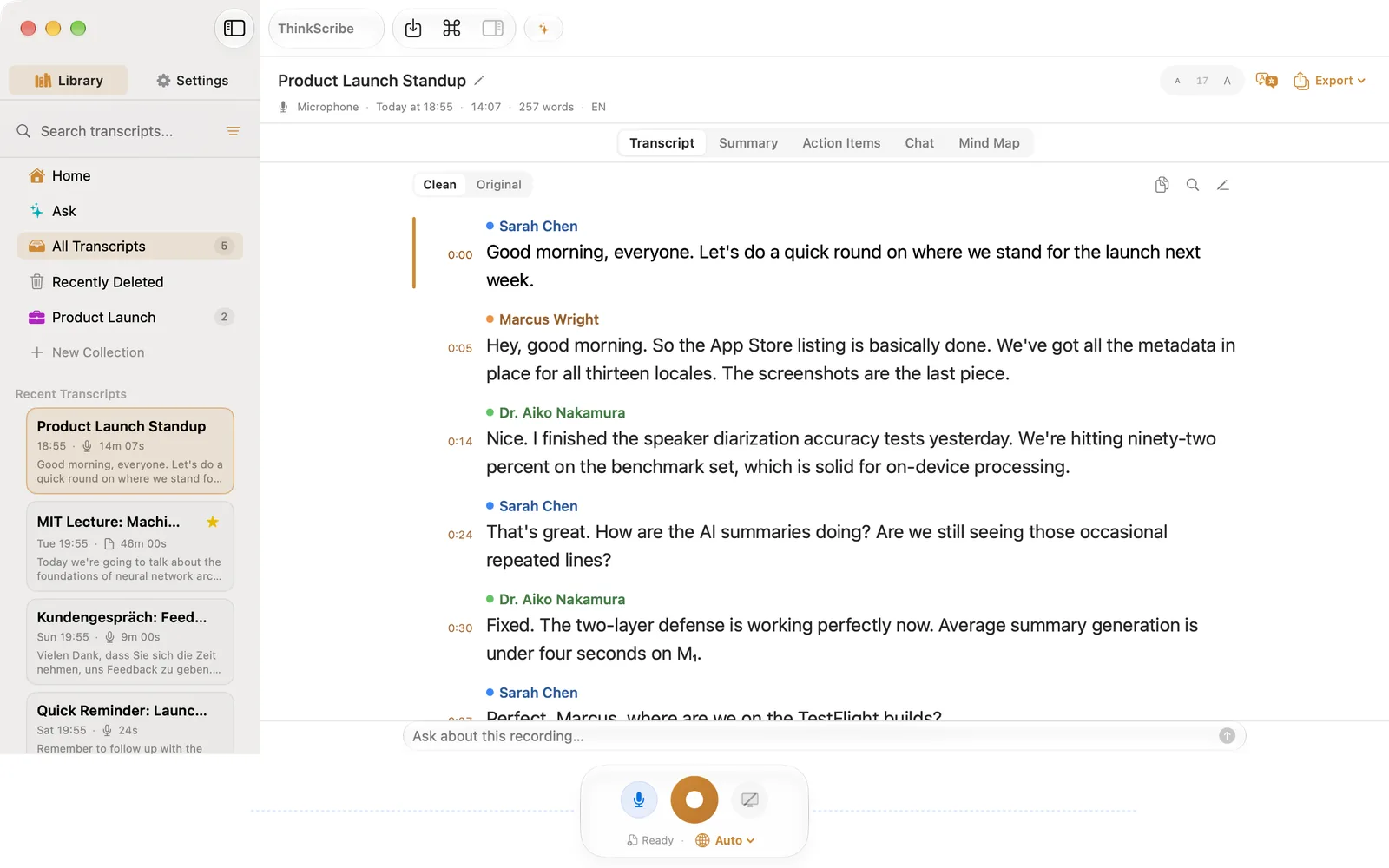
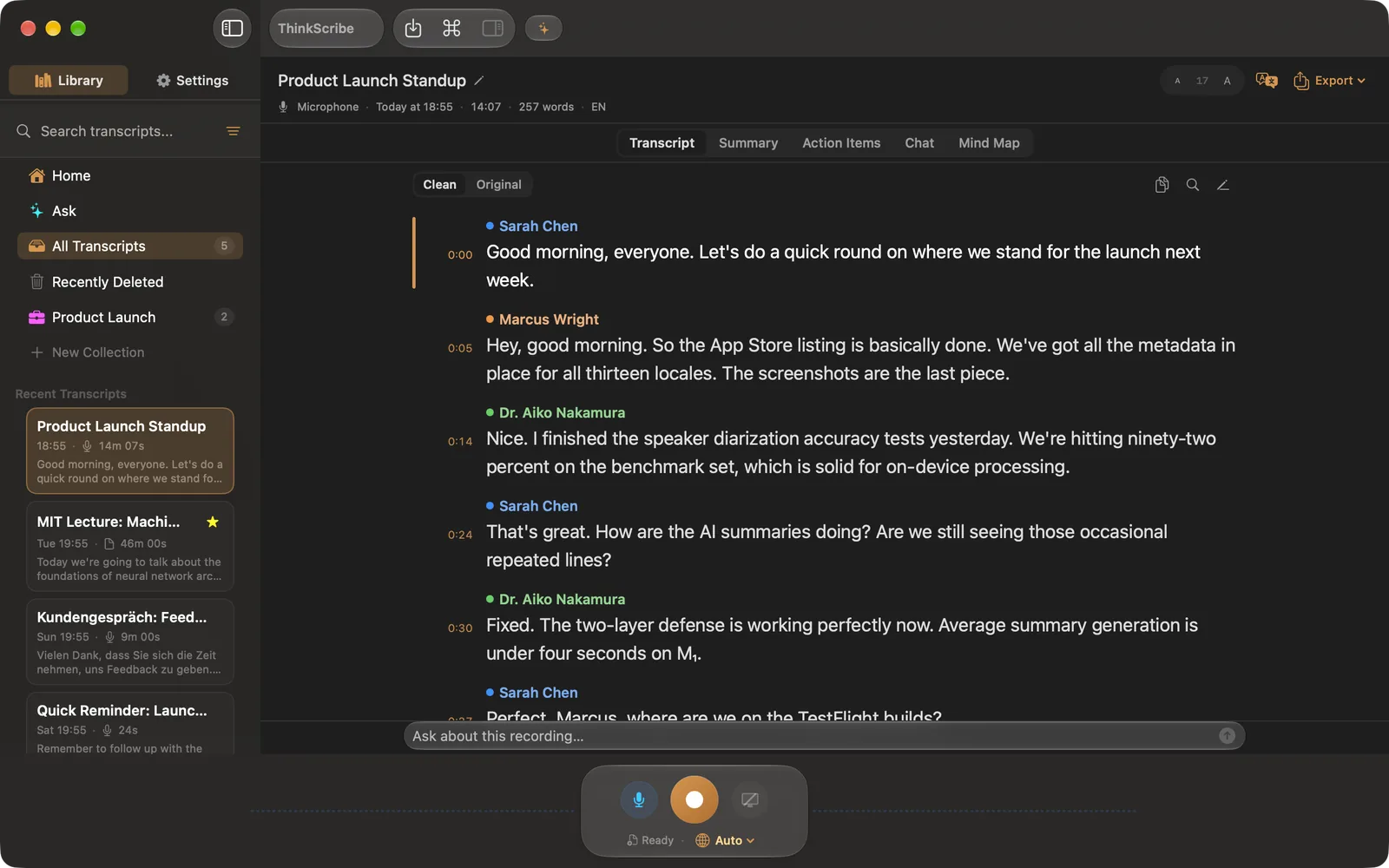
Features
Made for Mac.
Global voice typing
Press a hotkey and dictate into any app, Mail, Slack, Notes, your editor. Press it again or pause, and the text lands, no internet involved.
Record mic + system audio
Capture your microphone, the audio from Zoom or Teams, or both at once with echo cancellation, both sides of any meeting.
Chat with your recordings
Chat with AI about any recording. Answers cite the exact lines, and clicking a citation jumps the audio there.
Speaker recognition
ThinkScribe tells voices apart and remembers them between meetings, name “Speaker 2” once and it stays named.
Seven export formats
TXT, SRT, VTT, JSON, Markdown, PDF, and DOCX, plus summaries straight to Apple Notes.
No account, never sent to us
Transcription runs on your Mac and your recordings are never sent to us. Needs an Apple Silicon Mac with 16 GB+ RAM on macOS 26.
Hands-free typing
Dictate into any app.
Voice typing works as soon as you allow the microphone. No other permission is required, and your speech is transcribed on your Mac.
- 1
Start talking
Press your global hotkey or click the floating mic bar, then speak. ThinkScribe transcribes on-device.
- 2
It lands where you want it
By default your dictation is placed on the clipboard, ready to paste with ⌘V into whichever app you are writing in.
- 3
Optional: fully hands-free
Prefer not to press paste? Turn on ThinkScribe under System Settings ▸ Privacy & Security ▸ Accessibility. This optional assistive permission lets ThinkScribe type your words straight into the cursor, so you can write without touching the keyboard.
Accessibility is always optional and entirely under your control: ThinkScribe never asks for it and only uses it once you enable it yourself. You can turn it off again at any time in System Settings.