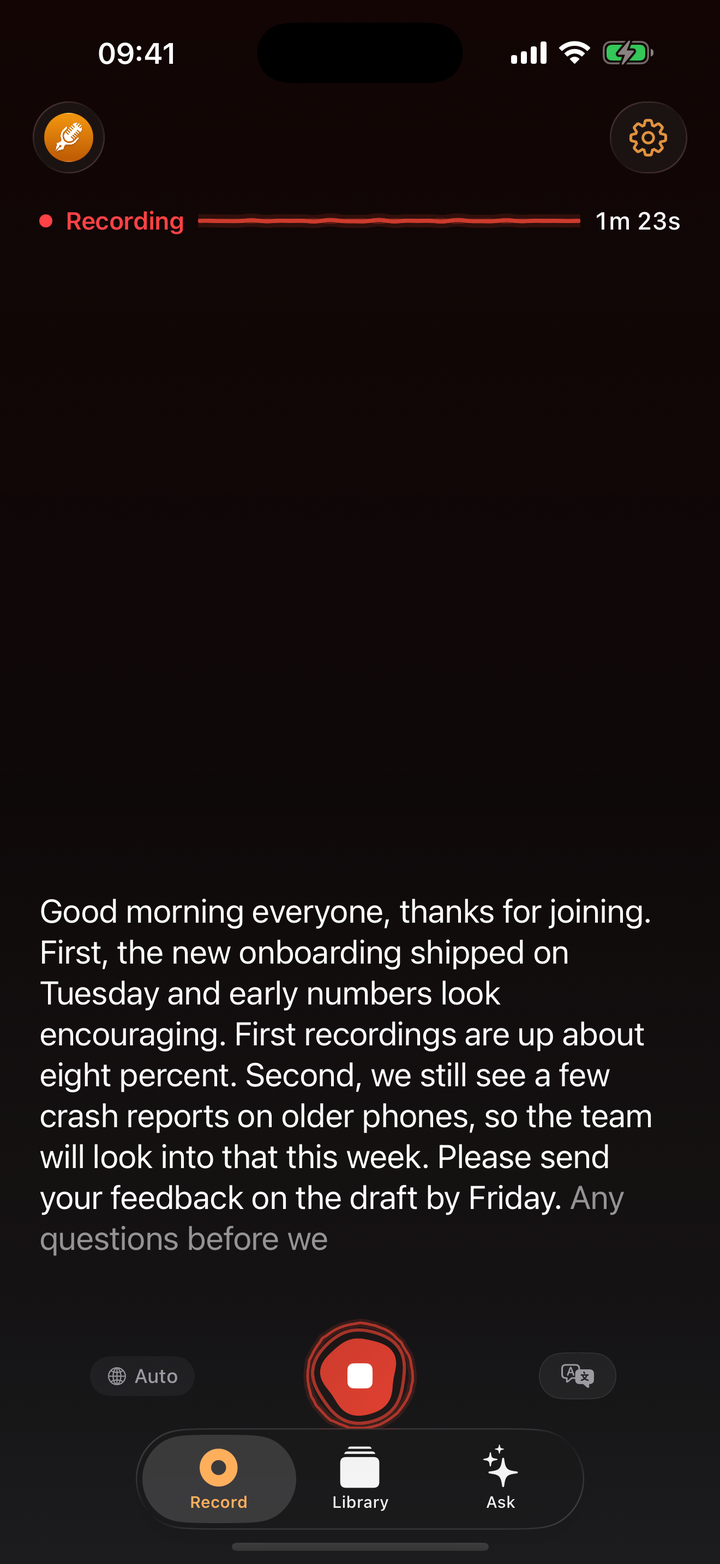
Your iPhone already records and, since iOS 18, transcribes voice memos for free. So a recorder app has to earn its place: by telling you who said what, by turning an hour-long meeting into notes you can act on, or by getting the text out of the phone in a useful format.
We compared the recorder apps people ask about most, on those things and on where your recordings go.
We make ThinkScribe, so it is in this list, and it is first. The other apps are described from their own websites, Apple's support pages and App Store listings, checked on September 30, 2026.
The short answer
- Best overall: ThinkScribe. On-device transcription with speaker names, live text, AI notes you can question, real exports and Apple Watch recording.
- Free and built in: Voice Memos (and Notes).
- Cloud notetaker for teams: Otter.
- Cloud transcription in many languages: Notta.
- A simple one-time recorder: Just Press Record.
How we compared them
| App | Transcribed on your iPhone | No account | Live transcript | Speaker labels | AI notes and questions | Export transcript as a file | Apple Watch |
|---|---|---|---|---|---|---|---|
| ThinkScribe | ✓ | ✓ | ✓ | ✓ remembered | ✓ | ✓ PDF, SRT, Markdown and more | ✓ |
| Voice Memos | ✓ | ✓ | ✓ | not documented | summaries on Apple Intelligence iPhones | ✕ copy only | records, no transcript on the Watch |
| Otter | ✕ cloud | ✕ | ✓ | ✓ remembered | ✓ cloud | ✓ | ✕ |
| Notta | ✕ cloud | ✕ | ✓ | ✓ | ✓ cloud | ✓ | ✓ |
| Just Press Record | depends on language | ✓ | not documented | ✕ | ✕ | text shared, no formats | ✓ |
1. ThinkScribe: best overall
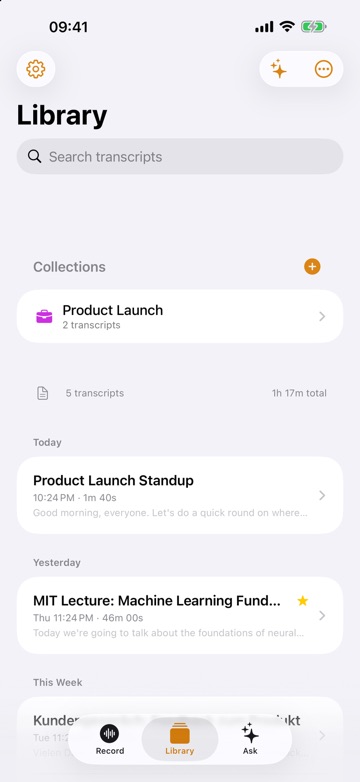
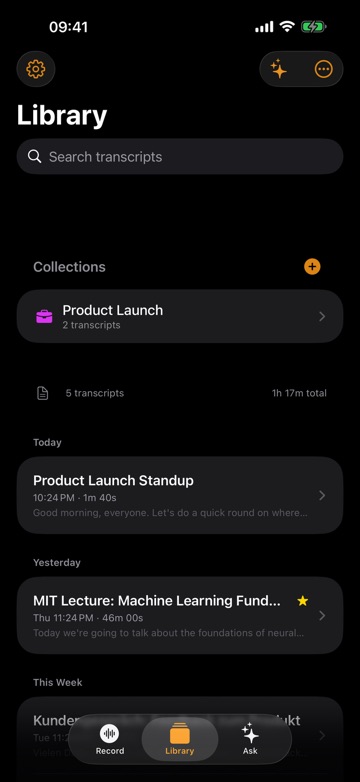
ThinkScribe records meetings, lectures, interviews and voice notes on iPhone and iPad and turns them into text on the device. There is no account, and your recordings and transcripts are never sent to us.
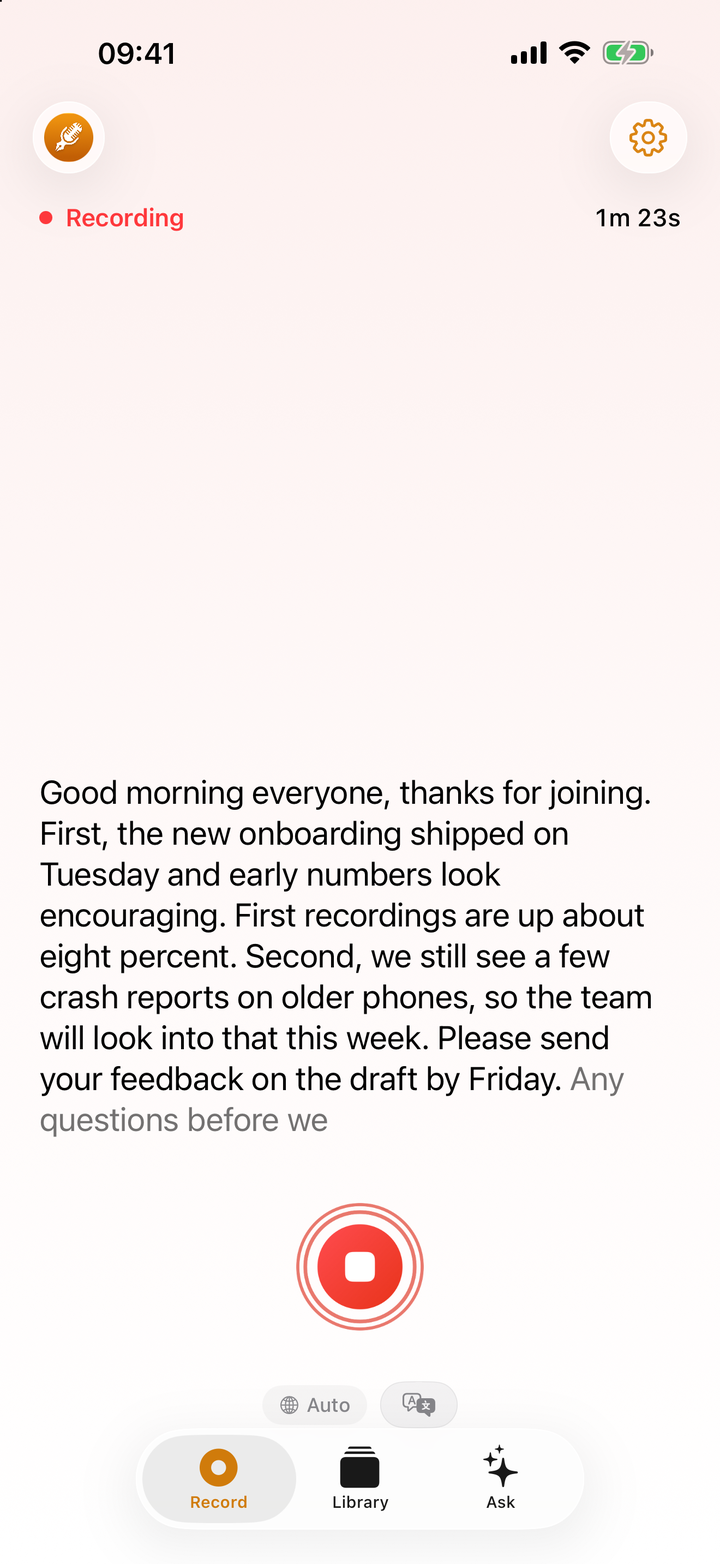
- Live text. The words appear as people speak, and you can follow a live translation into another language (translation provided by Apple).
- Who said what. Speakers are separated automatically; name one once and that voice is named in later recordings.
- Notes, not just text. Summary, action items, meeting minutes and a mind map, plus a Chat tab that answers questions about the recording and cites the exact lines. Tap any word to play the audio from there.
- Getting it out. Export TXT, SRT, VTT, JSON, Markdown and PDF, share to any app, or import a voice note from WhatsApp, Telegram or Voice Memos to transcribe it.
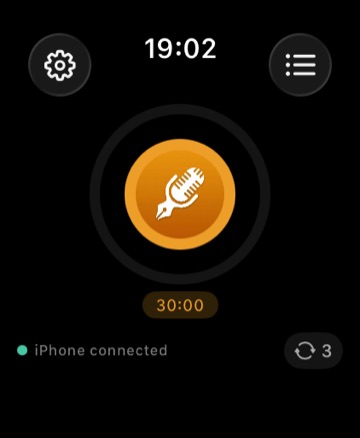
- From your wrist and your Mac. Start a recording on Apple Watch; read and search everything on your Mac with the same purchase, synced through your own iCloud if you want.
Choose it if your recordings are meetings, lectures or interviews you need to act on, not just listen to again.
2. Voice Memos and Notes: the free baseline
Voice Memos transcribes on the iPhone for free on iPhone 12 and later, in 10 languages, with a live transcript and search across all your memos. Notes records and transcribes too, and on Apple Intelligence iPhones both can summarize.
Apple documents no speaker labels for ordinary recordings, Voice Memos only lets you copy a transcript (not export it as a file), and there are no action items, minutes or questions about a recording. Notes can record phone calls with speaker names, but not in the EU.
Choose them if a quick transcript of a short voice note is enough.
3. Otter: the cloud notetaker
Otter records in person on iPhone and iPad, shows a live transcript, labels speakers and remembers the people you tag, and shares notes in a web workspace.
Transcription and AI run on Otter's servers with an account, its privacy policy allows training its AI on de-identified recordings, and the free plan stops each conversation at 30 minutes. It has no Apple Watch app.
Choose it if your team shares notes in Otter's web workspace.
4. Notta: cloud transcription in many languages
Notta transcribes in 58 languages with speaker identification and exports to Word, PDF, Excel and subtitles, on iPhone, iPad, Apple Watch, Android and the web.
It is cloud-only with an account, and the free plan stops each recording at 3 minutes.
Choose it if you need a language ThinkScribe does not cover and the cloud is fine.
5. Just Press Record: the simple recorder
Just Press Record is a one-time purchase recorder for iPhone, iPad, Mac and Apple Watch, fast to start and good with high-quality audio formats. It uses Apple's speech recognition, which the developer says may send audio to Apple's servers depending on the language and device.
It has no speaker labels and no AI summaries.
Choose it if you mainly want a quick, reliable recorder and a basic transcript.
Which one should you pick?
- Meetings, lectures or interviews you need names and notes from: ThinkScribe.
- You record on your Apple Watch and want the transcript on your Mac: ThinkScribe.
- Short voice notes only: Voice Memos.
- Your team lives in a shared cloud workspace: Otter.
- A language outside ThinkScribe's 28: Notta.
How to transcribe audio to text on iPhone shows the steps in ThinkScribe, including files from other apps.
More comparisons: the best offline transcription apps for Mac, the best dictation apps and voice keyboards for iPhone, the best AI meeting notes apps for Mac without a bot and the best Otter.ai alternatives.
Frequently asked questions
What is the best voice recorder with transcription for iPhone?
For recordings you need to act on, ThinkScribe: it transcribes on the iPhone with no account, shows the words live, names each speaker, writes notes you can question and exports to real file formats. Voice Memos is the free option for short notes.
Does Voice Memos transcribe on iPhone?
Yes, on iPhone 12 and later with iOS 18 or newer, in 10 languages, on the device. Apple does not document speaker labels for it, and the transcript can be copied but not exported as a file.
Which iPhone recorder app labels speakers?
ThinkScribe, Otter and Notta label speakers. ThinkScribe and Otter also remember named speakers in later recordings; ThinkScribe does it on your iPhone, Otter in its cloud.
Can I record on my Apple Watch and get a transcript?
Yes. Start a recording in ThinkScribe on Apple Watch; it syncs to your iPhone and is transcribed there. Recording on Apple Watch explains how.
Sources
Checked on September 30, 2026.