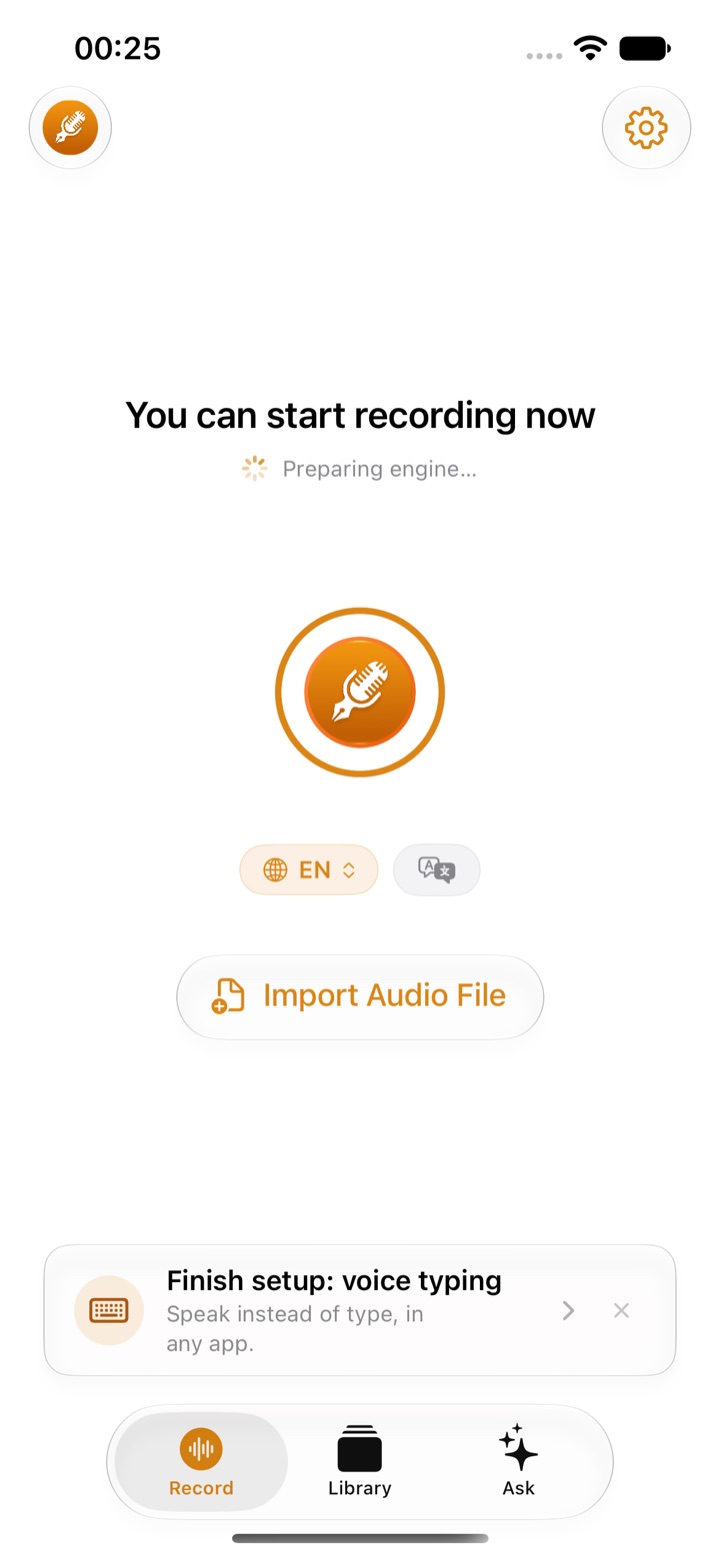
A dictation keyboard lets you speak into any app on your iPhone, Mail, Messages, Slack, Notes, and have clean text land where you are typing. The newer ones do more than transcribe: they remove the "um"s, fix punctuation and can rewrite a rambling thought into a tidy message.
The big difference between them is where your voice goes. Some transcribe on the iPhone itself; most upload every sentence to a server. We compared the voice keyboards people ask about most on that and on everything else that matters day to day.
We make ThinkScribe, so it is in this list, and it is first. The other apps are described from their own websites, help pages and App Store listings, checked on September 30, 2026.
The short answer
- Best overall: ThinkScribe. Transcribes on your iPhone, works offline, no account, AI clean-up and rewrite, and the same app records meetings.
- Free and already there: Apple Dictation.
- Polished cloud keyboards: Wispr Flow and Willow.
- If you also dictate on Windows or Android: Superwhisper.
- If you already use Google's keyboard: Gboard.
How we compared them
| App | Transcribed on your iPhone | Works offline | No account | AI clean-up and rewrite | Also records and summarizes |
|---|---|---|---|---|---|
| ThinkScribe | ✓ | ✓ | ✓ | ✓ | ✓ meetings, notes, chat |
| Apple Dictation | in many languages | in many languages | ✓ | ✕ | ✕ |
| Wispr Flow | ✕ cloud | ✕ | ✕ | ✓ | meetings on Mac and Windows only |
| Willow | cloud by default | offline mode on Mac and iOS | ✕ | ✓ | ✕ |
| Superwhisper | ✓ local models | ✓ local models | ✓ | ✓ mostly cloud AI | on Mac, with Pro |
| Gboard | ✕ sent to Google | ✕ | not stated | ✕ | ✕ |
1. ThinkScribe: best overall
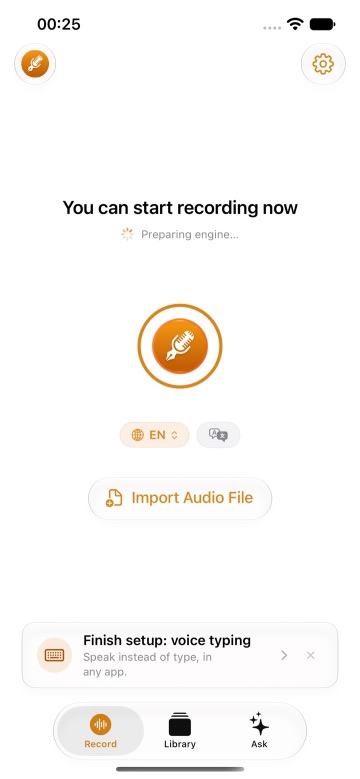
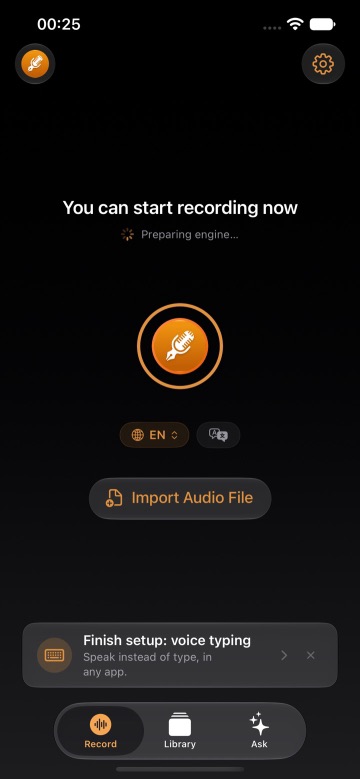
ThinkScribe Voice is a full iPhone and iPad keyboard with a microphone key. Tap or hold the mic, speak, and the text appears in the field you are typing in. The speech model runs on your iPhone, so it works in airplane mode, and there is no ThinkScribe account; what you say is never sent to us.
- Clean text, not a transcript. Filler words go, punctuation goes in, and Clean keeps it readable. One tap rewrites it Professional, Casual, Concise or with grammar fixed.
- A real keyboard. Emoji row, autocorrect, adjustable haptics and a spacebar trackpad for moving the cursor, so you can type and talk in the same place.
- 28 dictation languages, with typing layouts for 11.
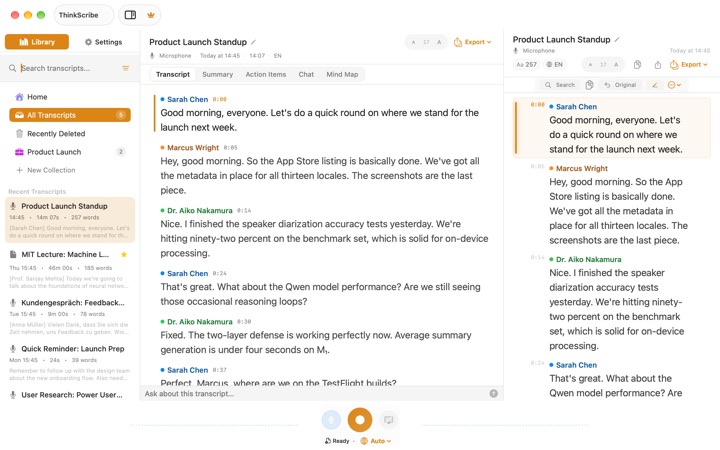
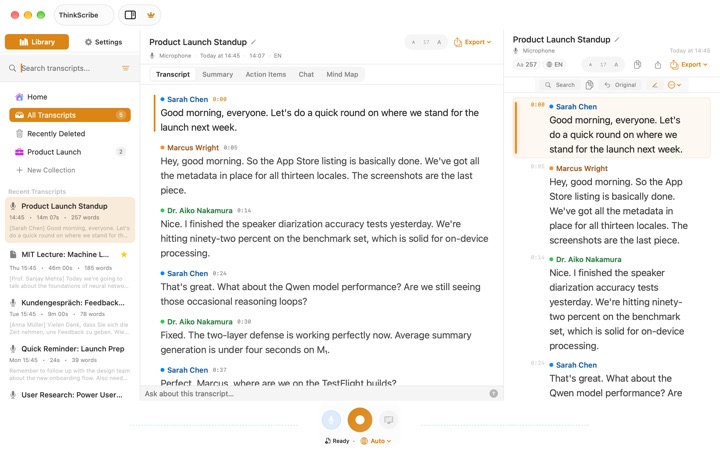
- More than a keyboard. The same app records meetings, lectures and voice notes, labels and remembers speakers, and writes summaries, action items and minutes you can ask questions about. On a Mac, press Option-Space to dictate into any app, with the same purchase.
Setup takes a minute: add the keyboard in Settings, allow Full Access, and open ThinkScribe once. If the app has been closed, the keyboard shows "Open ThinkScribe" and then stays ready, a limit of how iOS treats keyboards that every voice keyboard works around in some way. Offline dictation on iPhone walks through it.
Choose it if you want private, offline voice typing and an app that also handles your recordings and notes.
2. Apple Dictation: the free baseline
The microphone on Apple's keyboard works in any app for free. In many languages it runs on the iPhone and works offline; others use Apple's servers. It adds punctuation automatically and accepts voice editing commands.
It is plain dictation: no clean-up of filler words, no rewrite, no history of what you said, and it stops after 30 seconds of silence. iOS 27 adds a better on-device model, but only in English and only on iPhone 17 Pro and iPhone Air or later.
Choose it if short messages in a supported language are all you need.
3. Wispr Flow: polished, in the cloud
Wispr Flow is one of the best-known AI dictation apps, on Mac, Windows, iPhone and Android. It cleans up speech well, learns your style per app and can edit text by voice command. Its Notetaker records meetings on Mac and Windows.
Transcription always happens in the cloud, so it does not work offline, and it needs an account; sharing data for model training is on by default and can be switched off. On iPhone the keyboard sometimes opens the Flow app to record. The free plan has a weekly word limit, then it is a subscription.
Choose it if you want the most polished AI clean-up and are fine with the cloud.
4. Willow: a cloud keyboard with an offline mode
Willow is an AI dictation keyboard for iPhone, Mac and Windows with style matching and a Rewrite button. It uses cloud models by default; the company says an offline mode that runs on the device exists on Mac and iOS.
The iPhone keyboard takes you back to the Willow app to start the microphone, it has no meeting recording or file transcription, and the better model is in the paid plan.
Choose it if you want a cloud AI keyboard with the option to go offline.
5. Superwhisper: if you also use Windows or Android
Superwhisper started as a Mac dictation app and now runs on Windows, iPhone and Android, with free unlimited dictation on local models and one license for all platforms.
Most of its AI rewriting modes use cloud language models, there is no iPad app, and settings and history do not sync between devices yet. Meeting recording and file transcription are Mac features in the Pro plan.
Choose it if you dictate across Apple and non-Apple devices.
6. Gboard: Google's keyboard
Gboard is free and many people already use it for swipe typing. Its App Store listing says voice input is sent to Google for transcription, so there is no offline voice typing on iPhone, and the listing was last updated in 2022.
Choose it if you already prefer Gboard and are happy for Google to transcribe your voice.
Which one should you pick?
- Your messages are private, or you dictate on planes and trains: ThinkScribe.
- You want voice typing and your meeting notes in one app: ThinkScribe.
- Short texts in a supported language, nothing to install: Apple Dictation.
- The cloud is fine and you want the most polish: Wispr Flow or Willow.
- You dictate on Windows or Android too: Superwhisper.
More comparisons: the best offline transcription apps for Mac, the best AI meeting notes apps for Mac without a bot, the best voice recorder apps with transcription for iPhone and the best Otter.ai alternatives.
Frequently asked questions
What is the best voice-to-text app for iPhone?
For most people who care where their voice goes, ThinkScribe: it transcribes on the iPhone, works offline, needs no account and cleans up what you say, and the same app records and summarizes meetings. Apple Dictation is the free built-in option.
Is there an offline dictation keyboard for iPhone?
Yes. ThinkScribe transcribes on the iPhone in all 28 of its languages. Apple Dictation works offline in many languages, and Superwhisper does with its local models. Wispr Flow and Gboard need a connection.
What is a private alternative to Wispr Flow on iPhone?
ThinkScribe gives you the same speak-and-it-cleans-up dictation with the speech model running on your iPhone, no account, and a one-time purchase option, and it records meetings on iPhone, iPad and Mac as well.
Why do some voice keyboards open their app to start recording?
iOS limits what a keyboard can do with the microphone, so voice keyboards start or hold the microphone through their main app. ThinkScribe asks for this once after the app has been closed and then stays ready for as long as you choose.
Sources
Checked on September 30, 2026.