You have a file: a recorded interview, a lecture, a podcast episode, a WhatsApp voice note, a screen recording, a video for subtitles. You want the words as text, ideally with who said what, and in a format you can use.
Transcription apps for files split into two kinds. Cloud services upload the file and send back a transcript, usually with a minute allowance, an import count or a cap on file length. On-device apps transcribe on your own Mac or iPhone, so they work without a connection and there is nothing to meter. We compared the tools that "best transcription app" lists mention most, plus on-device apps people recommend for Mac and iPhone.
We make ThinkScribe, so it is in this list, and it is first. The other apps are described from their own websites, help pages and App Store listings, checked on October 3, 2026.
The short answer
- Best overall on Mac and iPhone: ThinkScribe. Transcribed on your device with speaker names it remembers across files, no account, no minute meter, batch import on the Mac, and AI notes on the result.
- Best free option on Mac: MacWhisper. Speaker labels need Pro.
- Best browser service for large volumes: TurboScribe. Unlimited minutes for $10 a month billed yearly.
- Best for editing video and podcasts: Descript.
- If your team already uses it: Otter. Only 3 free file imports in total.
- Cheapest one-time buys: Whisper Notes and Aiko. $7.99 and $24 once.
- Most languages, EU-hosted: Happy Scribe. More than 150 languages.
How we compared them
| App | Runs on | Transcribed where | Free tier | Speaker labels | Price |
|---|---|---|---|---|---|
| ThinkScribe | Mac, iPhone, iPad | ✓ on your device | free uses | ✓ remembered | $9.99/mo, $79.99/yr ($39.99 the first year for new subscribers) or $199.99 once, one purchase for Mac, iPhone and iPad |
| MacWhisper | Mac (App Store edition on iPhone, iPad) | on your device, optional cloud | ✓ free version | Pro | Pro about €64 once |
| TurboScribe | browser | cloud | 3 files a day, 30 min each | ✓ | $20/mo or $10/mo yearly |
| Descript | Mac, Windows, browser | cloud | 60 media min/month | ✓ | from $24/mo or $16/mo yearly |
| Otter | Mac, Windows, iPhone, Android, browser | cloud | 3 file imports in total | ✓ | $16.99/mo or $8.33/mo yearly |
| Aiko | Mac, iPhone, iPad | on your device | ✕ | ✕ | $24 once |
| Whisper Notes | iPhone, iPad, Mac | on your device | ✕ | ✓ | $7.99 once |
| Happy Scribe | browser, iPhone | cloud (EU) | 10-minute trial | ✓ | from €17/mo or €8.50/mo yearly |
All eight handle the common audio formats and the audio track of MP4 and MOV video. Every one exports plain text and SRT or VTT subtitles, Otter only on its paid plans.
What 20 hours of files a month costs
Say you transcribe twenty one-hour recordings a month. The cheapest plan that covers it, as of October 3, 2026:
| App | Plan you would need | Price |
|---|---|---|
| ThinkScribe | any plan, no meter | $9.99/mo, $79.99/yr ($39.99 the first year for new subscribers) or $199.99 once |
| MacWhisper | free; Pro for speakers | free, Pro about €64 once |
| TurboScribe | Unlimited (free files stop at 30 min) | $20/mo or $10/mo yearly |
| Descript | Creator (Hobbyist has 10 hours) | $35/mo or $24/mo yearly |
| Otter | Business (Pro: 10 imports a month) | $30/mo or $19.99/mo yearly, per user |
| Happy Scribe | Business (Pro: 600 minutes) | €89/mo or €59/mo yearly |
| Aiko, Whisper Notes | one purchase | $24 or $7.99 once |
On-device apps cost the same in a two-hour month and a forty-hour one; cloud services price by minutes, imports or file length.
1. ThinkScribe: best overall on Mac and iPhone
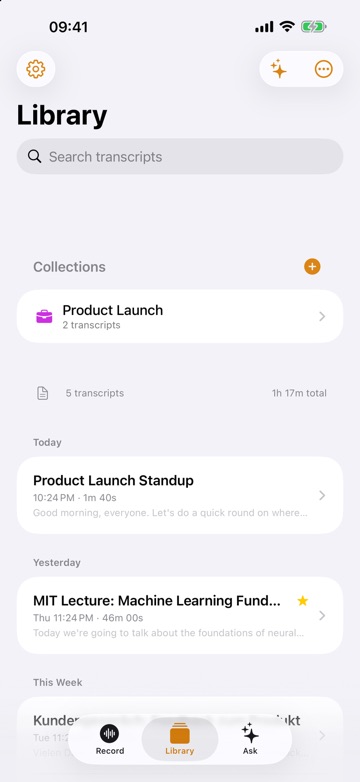
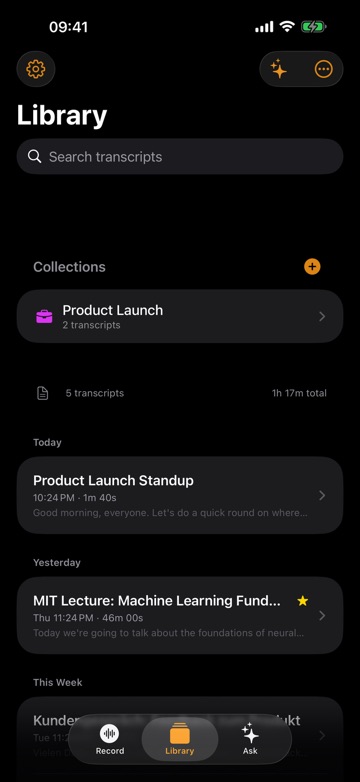
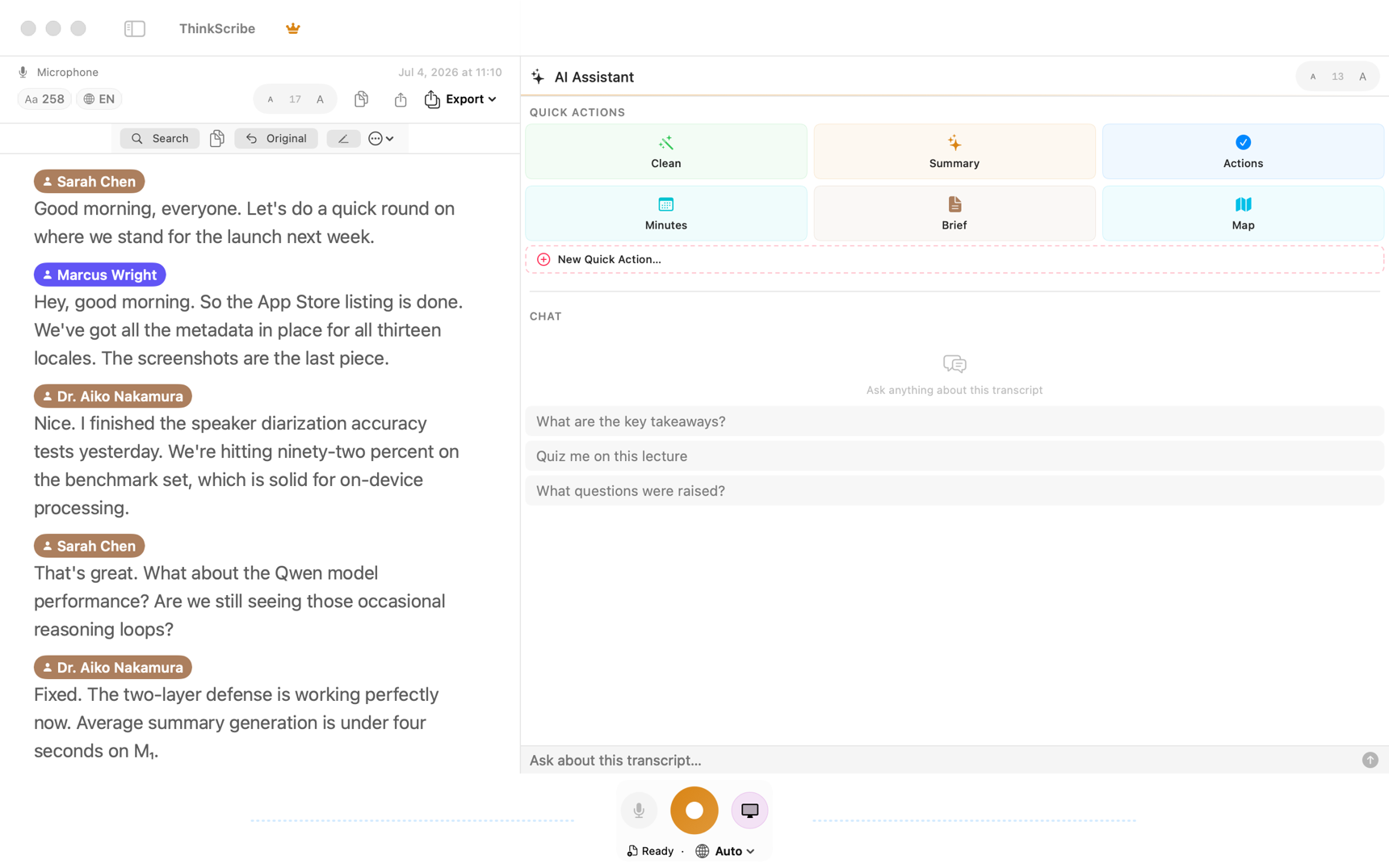
On a Mac, drag files onto the window or press Command-I. On iPhone and iPad, tap Import Audio File, or share a voice note straight from WhatsApp, Telegram, Voice Memos or Files. ThinkScribe reads MP3, M4A, AAC, WAV, AIFF, FLAC, CAF, OGG and Opus, plus MP4 and MOV video, and transcribes on your device, so it works offline, needs no account, and the file is never sent to us.
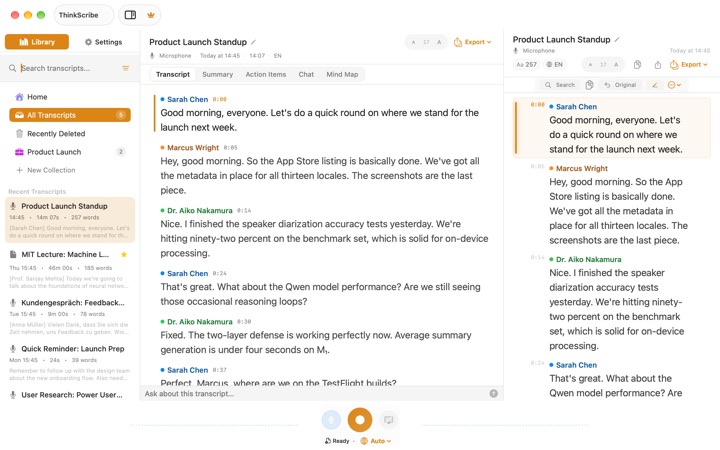
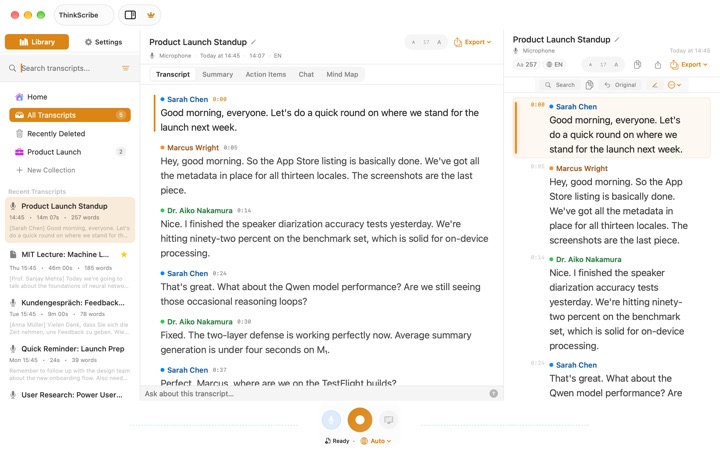
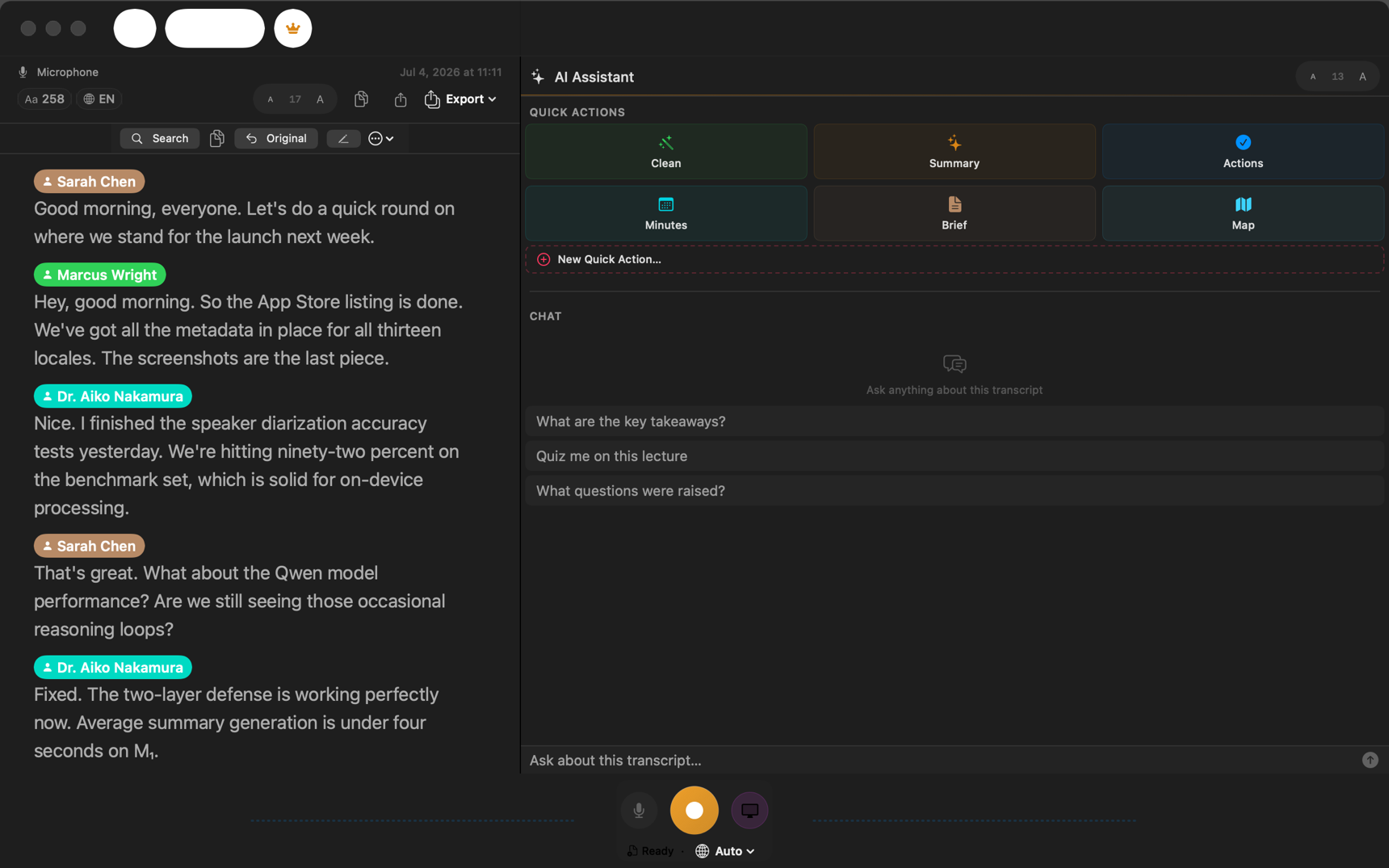
- Who said what, remembered. Speakers are labeled, and a voice you have named once is recognized in later files, so in a series of interviews you name each person once, not in every transcript.
- Batch on the Mac. Drop a handful of files and they are processed in turn; with Auto-Export each finished transcript is saved as a file, so a folder of recordings becomes a folder of Markdown or Word documents.
- Exports that fit the job. TXT, SRT and VTT subtitles, JSON, Markdown and PDF, plus Word and Apple Notes on the Mac. See export transcripts.
- Notes from the file. Summaries, action items, minutes, a mind map, and a chat that answers questions about the recording with citations, on ThinkScribe AI or Apple Intelligence.
- No meter. A three-hour file costs the same as a three-minute one.
It transcribes more than 90 languages with automatic detection, or one of 28 you pick from the menu. The honest limits: it takes files, not YouTube links; iPhone imports one file at a time; a long file takes longer on an iPhone than on a recent Mac; and it needs macOS 26 on Apple silicon, or iOS 26.
Choose it if you transcribe interviews, client calls, lectures or research recordings and want speaker names, notes and subtitles as well as text, with no meter on how much.
2. MacWhisper: the best free Mac option
MacWhisper is the Mac file transcriber that roundups cite most. Its free version transcribes MP3, WAV, M4A, OGG, Opus, MOV and MP4 files on your Mac in more than 100 languages and exports SRT, VTT and text, with no minute or file limit stated.
Speaker labels, batch transcription, watched folders, Word and PDF export and YouTube links are in Pro, a one-time license shown at about €64; there is no official US dollar price. Summaries and chat need your own API key or a local model runner you install yourself. The App Store edition, called Whisper Transcription, also runs on iPhone and iPad with different features and pricing.
Choose it if you want free, local transcription on a Mac and do not need speaker names. Read ThinkScribe vs MacWhisper for a side-by-side.
3. TurboScribe: the browser service for large volumes
TurboScribe runs in any browser, including on a phone. It is built on Whisper, handles almost any audio or video format and YouTube links, labels speakers, and exports PDF, Word, SRT, VTT, CSV and text in more than 98 languages.
The free plan allows three files a day of up to 30 minutes each. Unlimited costs $20 a month, or $10 a month billed yearly, and takes files up to 10 hours or 5 GB, 50 at a time. Files are processed in the cloud and you need an account; TurboScribe says it does not train on your files. Summaries come through a TurboScribe GPT inside ChatGPT rather than TurboScribe itself. There is no official app; App Store apps using its name are not TurboScribe's.
Choose it if you transcribe a lot of files and are happy to upload them.
4. Descript: for editing video and podcasts
Descript is a video and podcast editor where you edit the media by editing the transcript. Its Mac and Windows apps and web version transcribe uploaded files, detect speakers that you then name, and export Word, Markdown, SRT, VTT and more.
Everything goes through the cloud with an account. The free plan includes 60 media minutes a month; paid plans start at $24 a month, or $16 a month billed yearly, with 10 media hours. It transcribes 26 languages, all in the Latin alphabet. There is no iPhone or iPad app. Descript says AI training on your content is opt-in.
Choose it if you are producing a podcast or video, not just reading a transcript.
5. Otter: if your team already uses it
Otter is best known for meetings, but it also imports audio and video files, transcribes them in the cloud with speaker names it learns across conversations, and writes summaries.
File imports are rationed: three in total on the free plan, ten a month on Pro at $16.99 a month or $8.33 billed yearly, and unlimited on Business. SRT, Word and PDF export need a paid plan. Transcription covers six languages, and its privacy policy allows training on de-identified data.
Choose it if your meeting notes already live in Otter and you occasionally add a file.
6. Aiko: simple, private and paid once
Aiko, by Mac developer Sindre Sorhus, transcribes files on your Mac, iPhone or iPad with Whisper, in about 100 languages, and exports text, SRT, JSON and CSV. It costs $24 once for all three, with no account.
It does not label speakers, has no AI summaries, does not open OGG files, and batch work goes through Shortcuts rather than a built-in queue. The current version needs macOS 26 or iOS 26.
Choose it if you want plain, private text for a single price.
7. Whisper Notes: the cheapest one-time buy
Whisper Notes costs $7.99 once on the App Store for iPhone, iPad and Mac. It transcribes files on the device with a choice of engines, including Parakeet and Whisper, labels two to six speakers, and keeps their names in SRT and VTT subtitles.
AI summaries are Mac only, it has no sync between devices by design, and it needs an iPhone 12 or later or an Apple silicon Mac.
Choose it if you want on-device transcription with speakers for the lowest price.
8. Happy Scribe: most languages, from the EU
Happy Scribe is a Spanish company whose web app and iPhone app transcribe in more than 150 languages from EU-hosted servers, with speaker detection and more than 15 export formats. Human transcripts cost from €1.75 a minute.
The free tier is a 10-minute trial. Paid plans are priced in euros on its site, from €17 a month, or €8.50 billed yearly, for 120 minutes. AI training is opt-in.
Choose it if you need an unusual language or a human-checked transcript.
Which one should you pick?
- Private files, speaker names and notes, on Mac and iPhone: ThinkScribe.
- Free and local on a Mac, no speakers needed: MacWhisper.
- Hundreds of files and the cloud is fine: TurboScribe.
- You are editing the video or podcast itself: Descript.
- The lowest one-time price on iPhone: Whisper Notes, or Aiko for Mac and iPhone without speakers.
- A rare language or a human transcript: Happy Scribe.
How-to guides: transcribe an audio or video file in ThinkScribe, transcribe video to text and make SRT subtitles on a Mac. More comparisons: the best offline transcription apps for Mac and the best voice recorder apps with transcription for iPhone.
Frequently asked questions
What is the best app to transcribe an audio file to text?
As of October 2026, ThinkScribe is the best app for transcribing an audio file on a Mac or iPhone when the file is private: it transcribes on your device with speaker names, no account and no minute allowance. MacWhisper is the best free Mac option, and TurboScribe is the best browser service if you have many files and are fine uploading them.
How do I transcribe a video to text?
Import the video file into an app that reads video, such as ThinkScribe, MacWhisper, TurboScribe or Descript; the app transcribes the audio track. Export SRT or VTT if you need subtitles. Our guide on transcribing video to text walks through it.
Can I transcribe audio files offline?
Yes, with an on-device app: ThinkScribe, MacWhisper, Aiko and Whisper Notes all transcribe on your own Mac or iPhone after a one-time model download. TurboScribe, Descript, Otter and Happy Scribe upload the file.
Is there a free audio to text app with no limits?
MacWhisper's free version transcribes on your Mac with no stated limits, without speaker labels. Cloud services cap free use: TurboScribe at three files a day of 30 minutes, Descript at 60 minutes a month, Otter at three imports in total.
How much does it cost to transcribe 20 hours of audio a month?
As of October 2026, twenty one-hour files a month need TurboScribe Unlimited ($10 to $20 a month), Descript Creator ($24 to $35), Otter Business ($19.99 to $30) or Happy Scribe Business (€59 to €89). ThinkScribe has no meter: $9.99 a month or $79.99 a year ($39.99 the first year for new subscribers) covers any amount, on Mac, iPhone and iPad with one purchase.
Which transcription app labels speakers?
ThinkScribe, TurboScribe, Descript, Otter, Whisper Notes and Happy Scribe label speakers; MacWhisper does in Pro. ThinkScribe also remembers a named voice in later files.
Sources
Checked on October 3, 2026.