For iPhone & iPad
Type with your voice,
anywhere on iOS.
A system-wide voice keyboard, drop-in audio transcription, and AI you can ask about any recording, on your iPhone and iPad. Transcription works offline.


One purchase covers Mac, iPhone, iPhone Duo, iPad & Apple Watch.
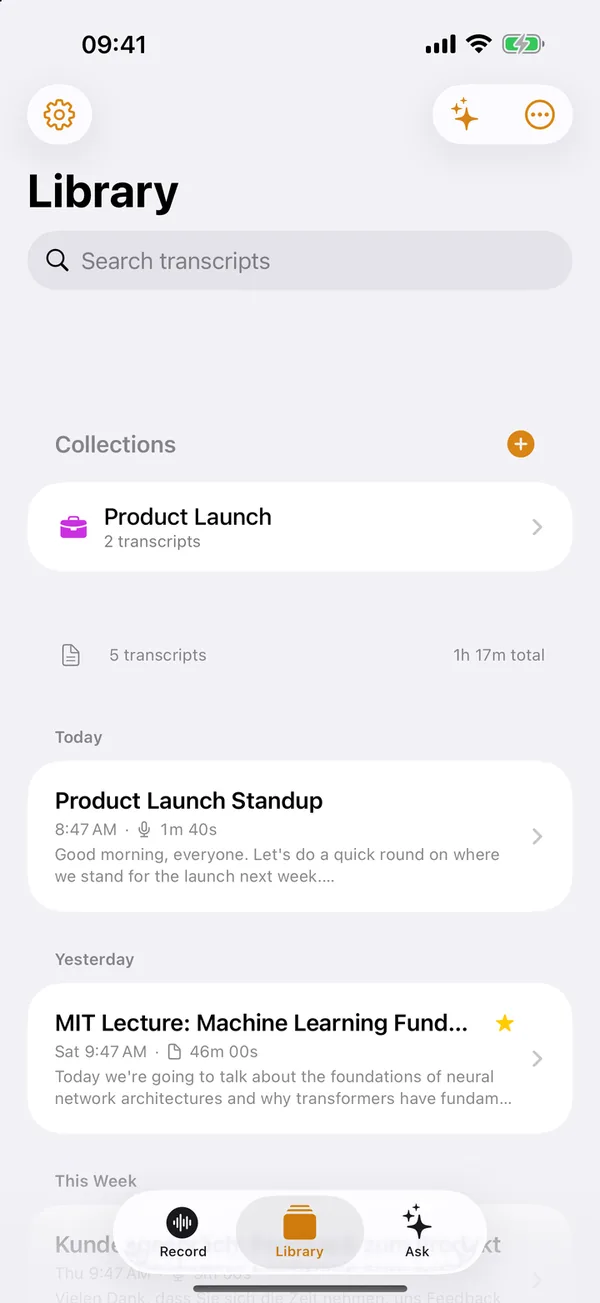
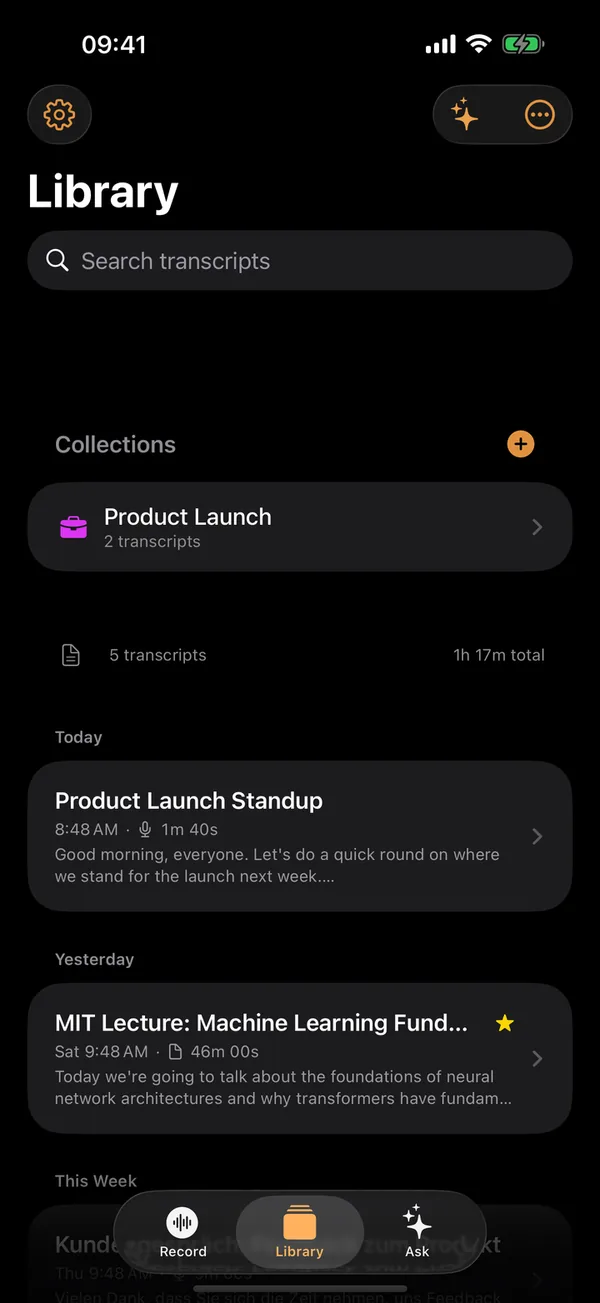
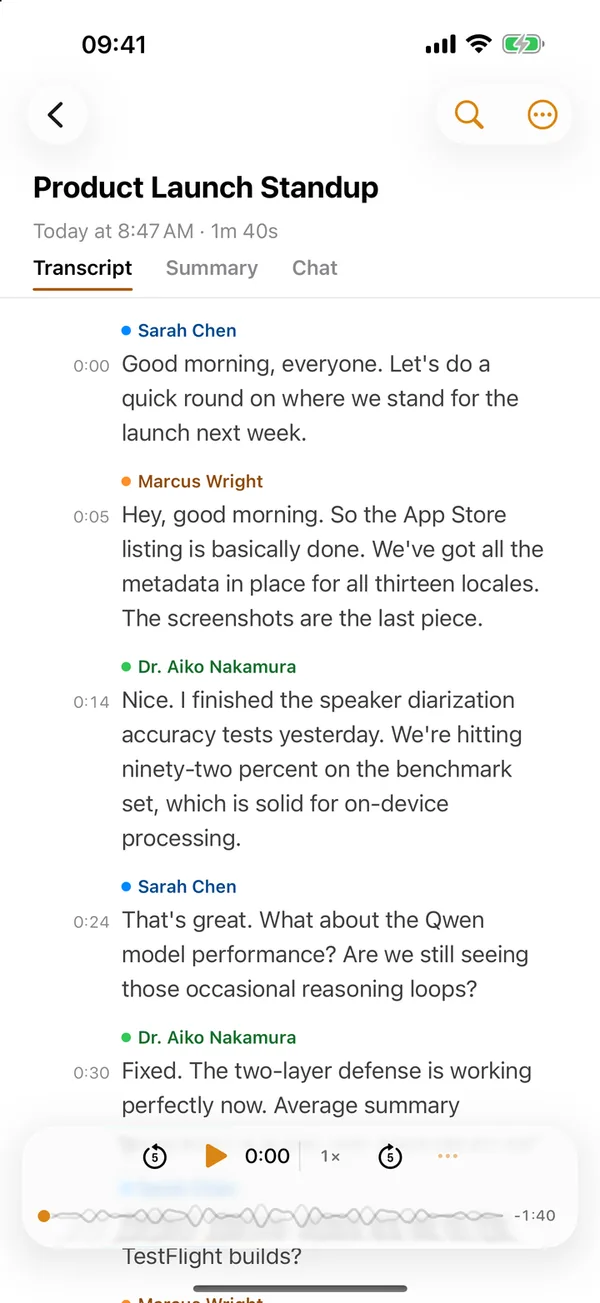
Features
Made for iPhone & iPad.
System-wide voice keyboard
Install the ThinkScribe keyboard and dictate in any app with push-to-talk, haptics, a spacebar cursor trackpad, and AI rewrite, all on-device.
Import audio from anywhere
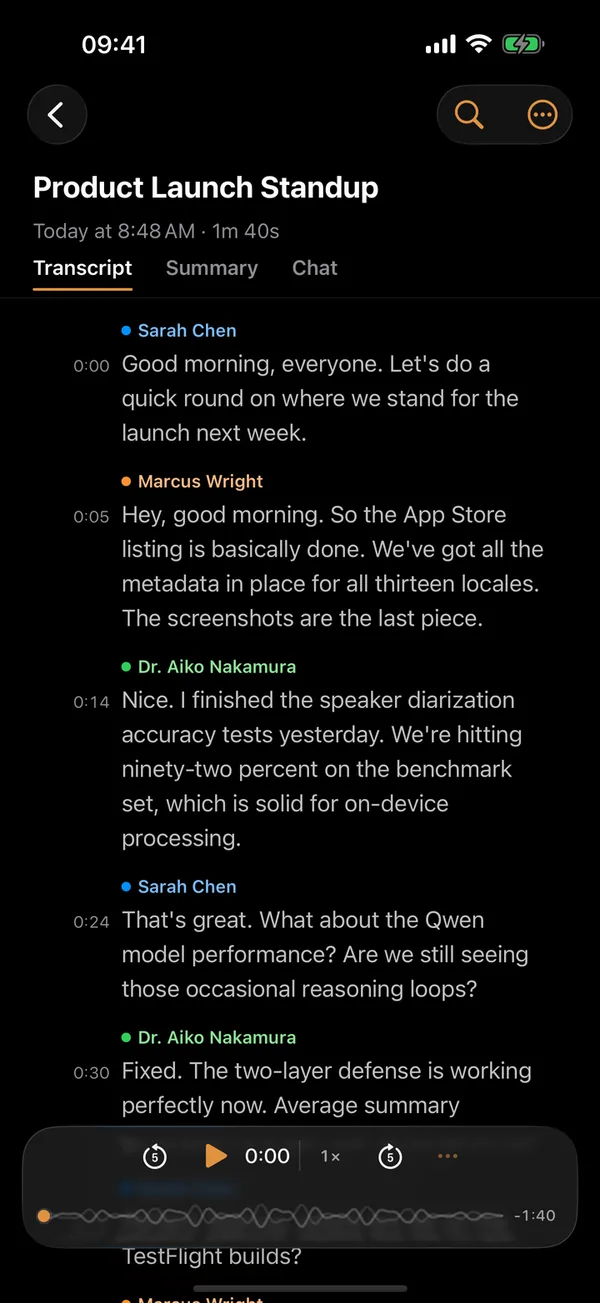
Share a file from WhatsApp, Telegram, Voice Memos, or Files and it transcribes in the background.
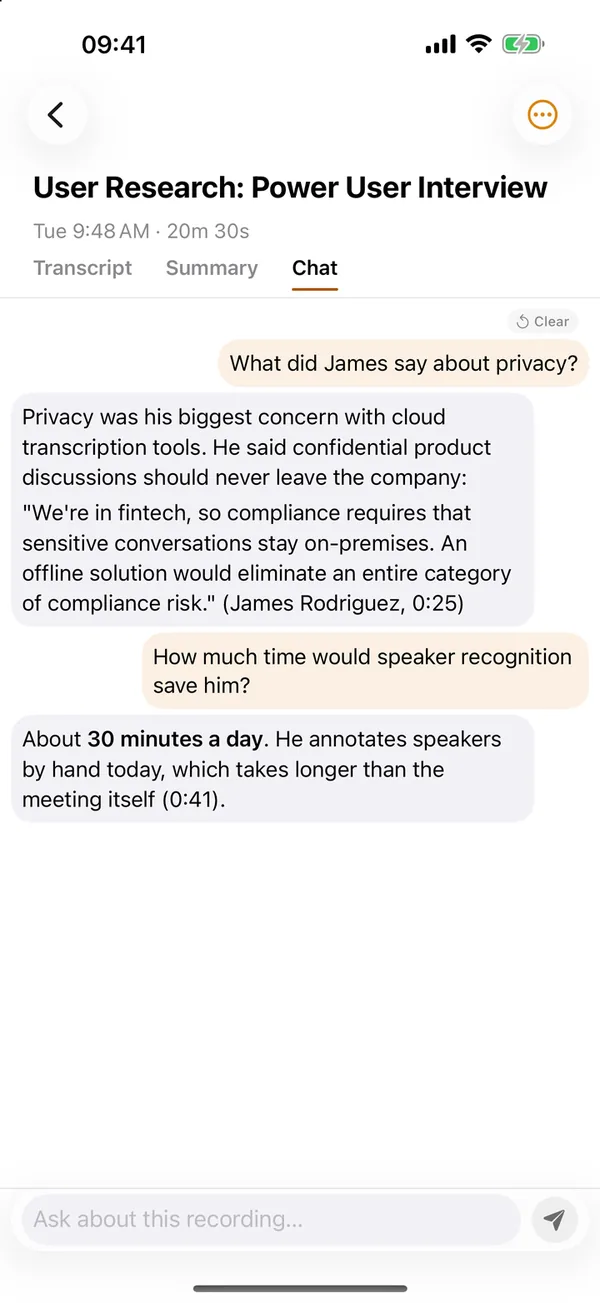
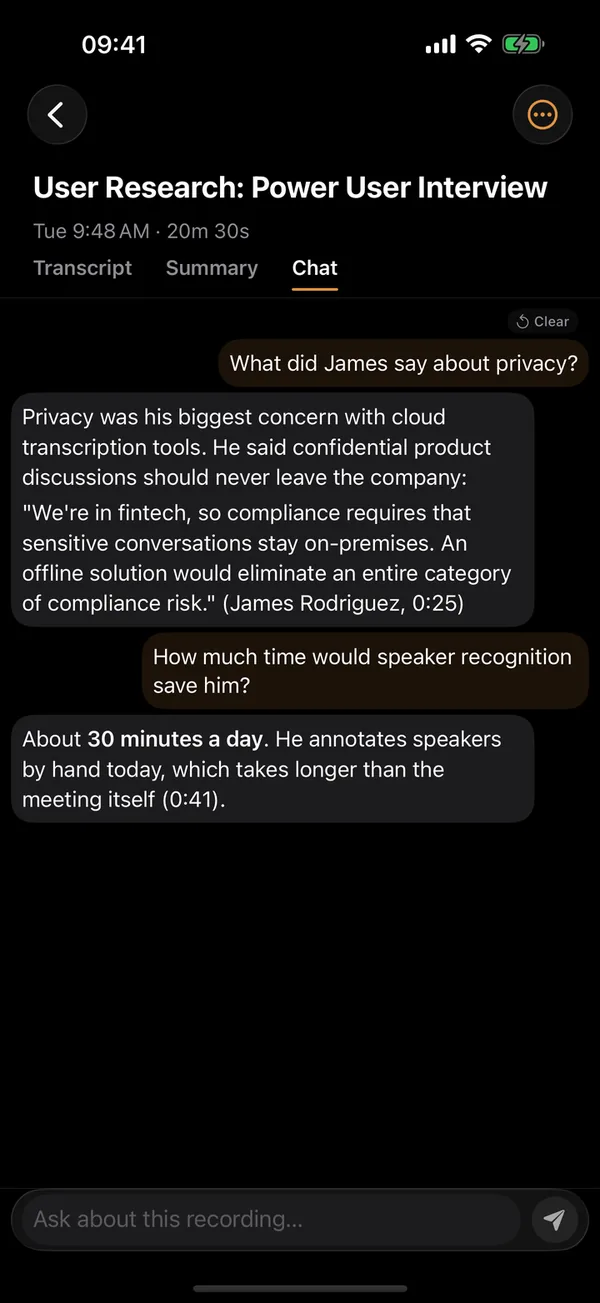
Chat with your recordings
Chat with AI about any recording, with answers that cite their source lines.
Speaker labels that stick
Voices are told apart and remembered between recordings.
Apple Watch companion
Start a recording from your wrist; the audio syncs to iPhone and transcribes there.
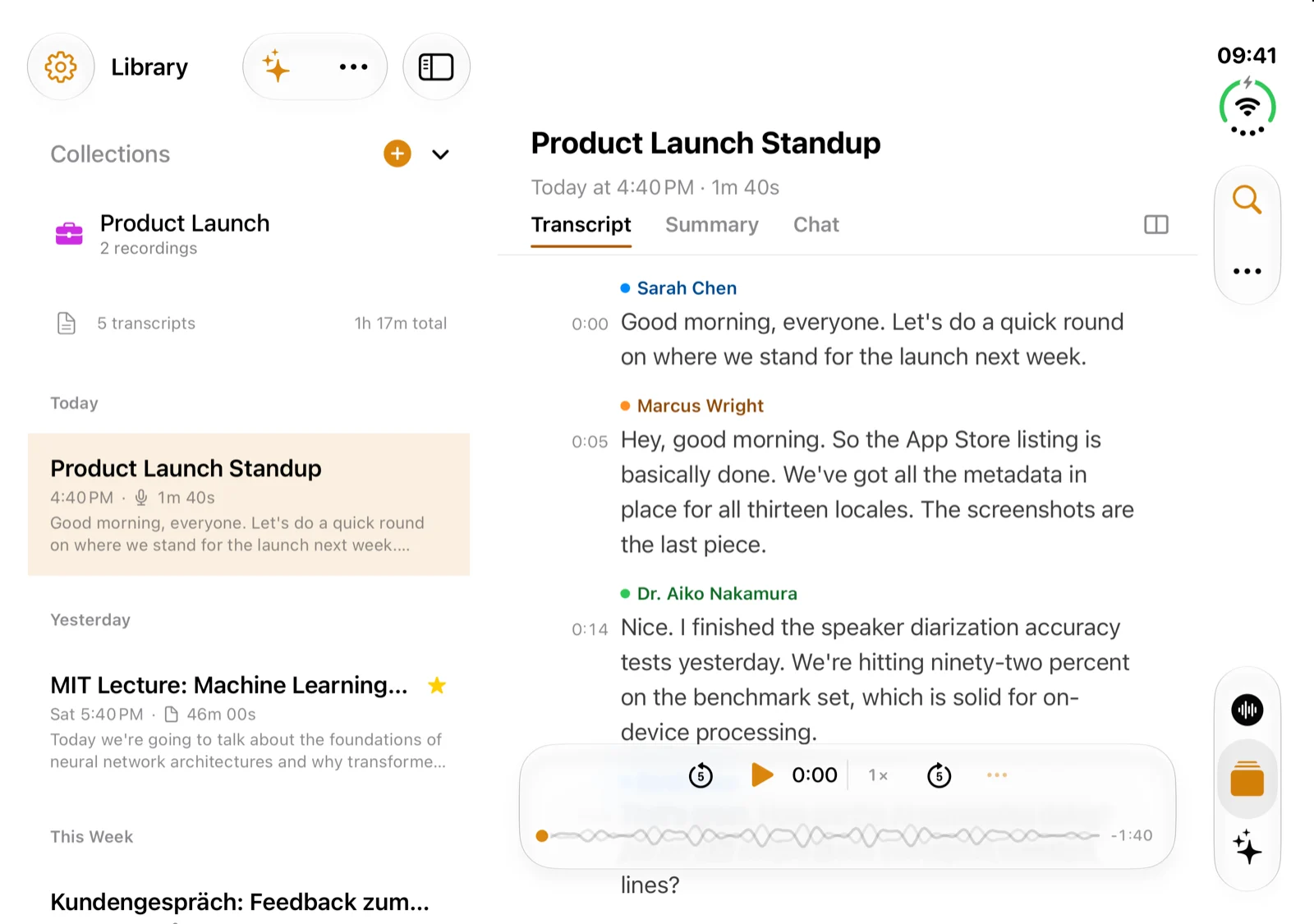
Side by side on iPhone Duo
Open iPhone Duo and turn it sideways: your Library sits next to the open recording, and Side by Side puts the transcript next to its Summary or Chat. On the Record screen, your recent recordings sit next to the Record button.
ThinkScribe on iPhone Duo →Room to work on iPad
Your Library stays beside the open recording. With a keyboard, press ⌘R to record and ⌘I to import, or drop an audio or video file onto the app.
Private by design
No account, and your recordings are never sent to us. Needs iOS or iPadOS 26.
ThinkScribe at a glance
| Topic | ThinkScribe |
|---|---|
| Devices | iPhone, iPad, Mac (Apple silicon) and Apple Watch. Works with iPhone Duo. One purchase covers all of them.Get started with ThinkScribe on iPhone and iPad → |
| Languages | 28 transcription languages on every device; more than 90 with the optional Whisper model, on a Mac or an iPhone or iPad with 8 GB of memory. The iPhone keyboard has layouts for 11 languages.Whisper vs Parakeet: Which On-Device Speech Model Is Better? → |
| Works offline | Yes. Recording, transcription and speaker labels run on the device, with no connection needed after the first model download.On-device transcription vs cloud: privacy, cost and speed → |
| Import formats | Audio: MP3, M4A, AAC, WAV, AIFF, FLAC, OGG, Opus, WMA, AMR. Video: MP4, MOV, MKV, AVI, WebM. Other common formats open too.Transcribe an audio or video file on Mac, iPhone and iPad → |
| Export formats | TXT, SRT, VTT, JSON, Markdown, PDF, Word (DOCX) and CSV.Export a transcript to PDF, Word, SRT and five other formats → |
| Price | Free to download, with free uses of every Pro feature. Pro costs $9.99 a month, $79.99 a year ($44.99 the first year for new subscribers) or $199.99 once, with no per-minute charges. These are US prices; the App Store shows the price for your country. |
| Account | None. ThinkScribe has no account and no sign-in. |
| Sync | Optional, through your own iCloud account, which we cannot read. Your audio and transcripts are never sent to us.Sync transcripts between iPhone, iPad and Mac → |
| Calls and meetings | On a Mac, ThinkScribe records the audio of Zoom, Teams, Meet or FaceTime calls with no bot joining. On iPhone, it does not record phone calls; it imports calls recorded with Apple's own call recording.Record Zoom and Teams meetings on Mac with system audio → |