Guías prácticas para
voz y texto.
Ayuda paso a paso para grabar, transcribir, dictar y crear notas con IA en iPhone, iPad, Mac y Apple Watch.
Primeros pasos
Voice to text on iPhone, iPad and Mac: the complete guide
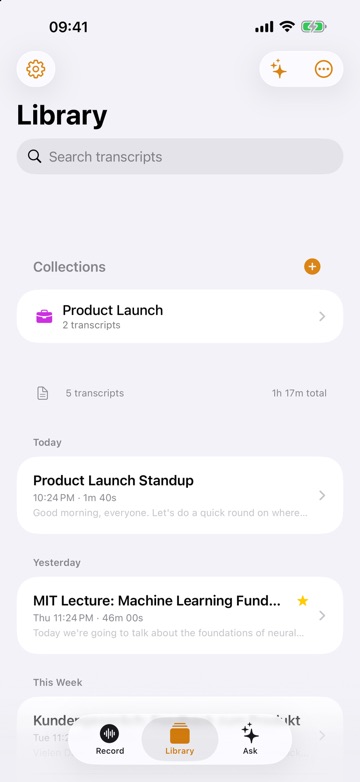
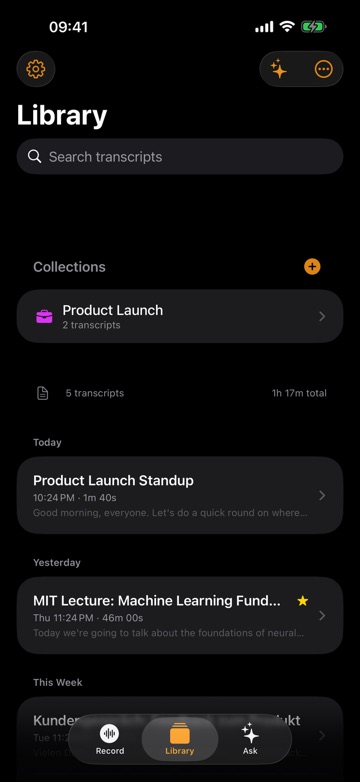
The complete guide to voice to text on iPhone, iPad and Mac: record and transcribe, dictate in any app, import files, then summarize and search.
Guía7 min de lectura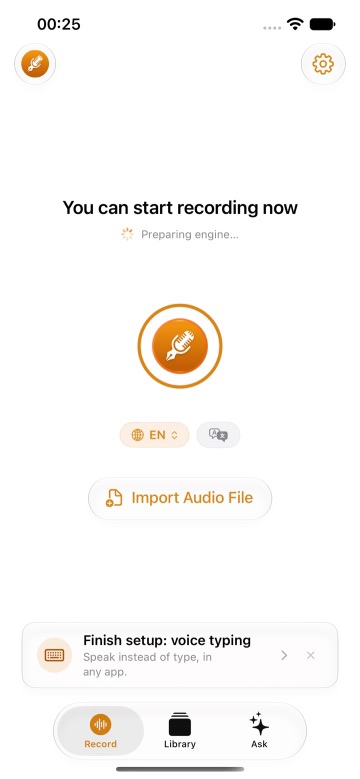
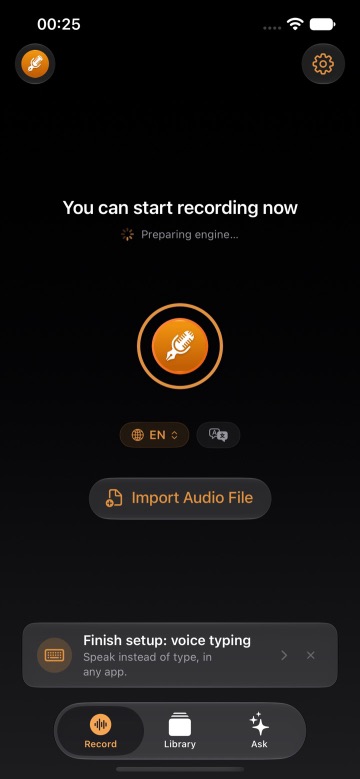
Get started with ThinkScribe on iPhone and iPad
Set up ThinkScribe on your iPhone or iPad, make your first recording, read and summarize the transcript, turn on voice typing, and transcribe files from other apps.
Guía9 min de lectura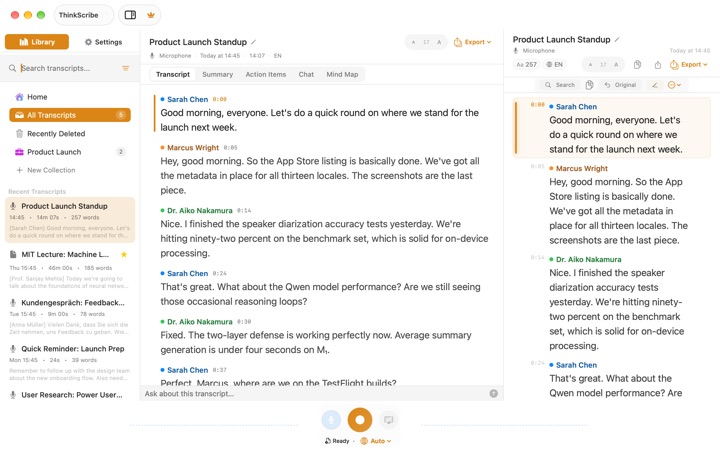
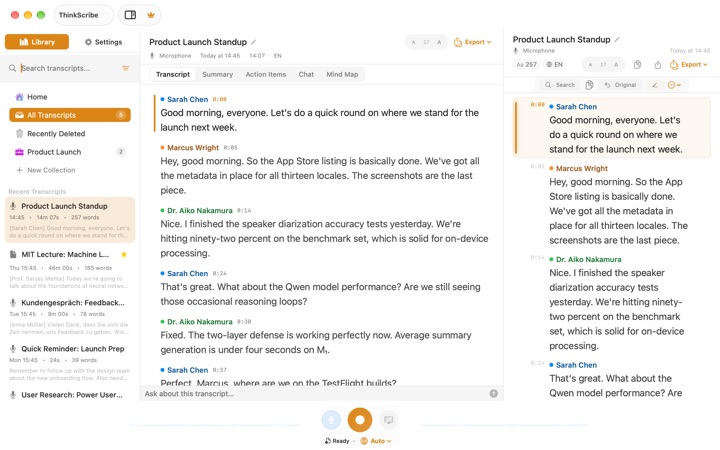
Get started with ThinkScribe on Mac
Install ThinkScribe on your Mac, grant the permissions it needs, and make your first voice typing, recording and file import in about five minutes.
Guía5 min de lecturaDictado por voz
Cloud dictation on a Mac with a hotkey: what a DIY build takes
Cloud dictation with a hotkey on a Mac: how a push-to-talk script records, uploads and pastes, what it costs, and a one-shortcut way to dictate instead.
Guía9 min de lectura
Custom vocabulary: teach transcription your names and jargon
How to add names, product words and jargon to ThinkScribe's custom vocabulary on Mac and iPhone, and what biasing can and cannot fix.
Guía7 min de lecturaDictate into any Mac app with the Option-Space shortcut
How to dictate into Mail, Slack, a browser or your editor on a Mac: the Option-Space shortcut, the floating bar, Escape to cancel, and direct insertion.
Guía4 min de lecturaOffline Whisper dictation on a Mac with a hotkey: what it takes
How offline Whisper dictation with a hotkey works on a Mac: model sizes, latency, permissions and limits of a DIY build, and the one-shortcut way to dictate.
Guía8 min de lecturaDictado por voz en Mac, una configuración para cualquier app
Cómo configurar el dictado por voz en Mac. Entiende el Dictado de Apple y sus límites, y dicta en cualquier app con un atajo que transcribe en tu Mac.
Guía7 min de lecturaReuniones
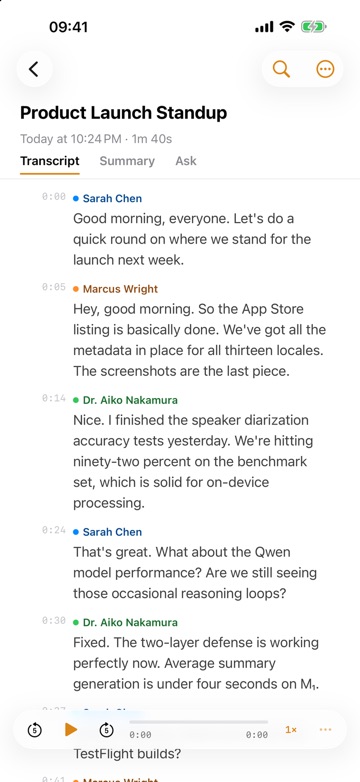
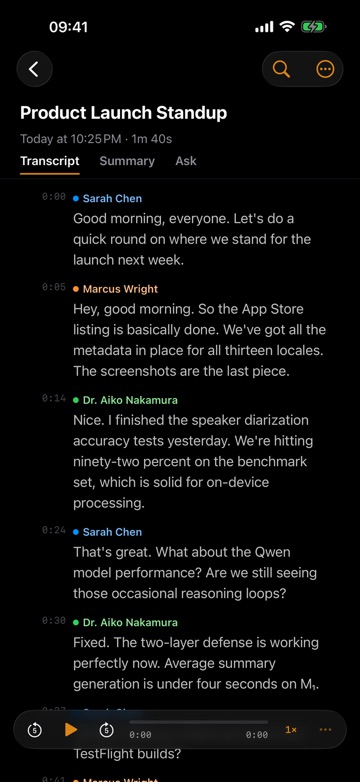
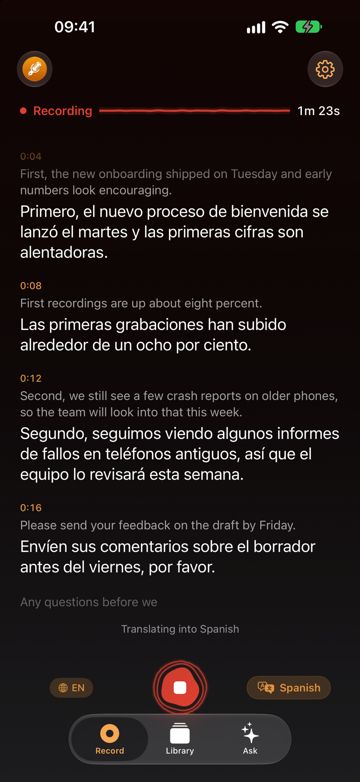
Record a meeting on iPhone and transcribe it, with speakers named
How to record a meeting on iPhone and transcribe it: where to put the phone, how to start and stop, name the speakers, then get a summary and meeting minutes.
Guía7 min de lectura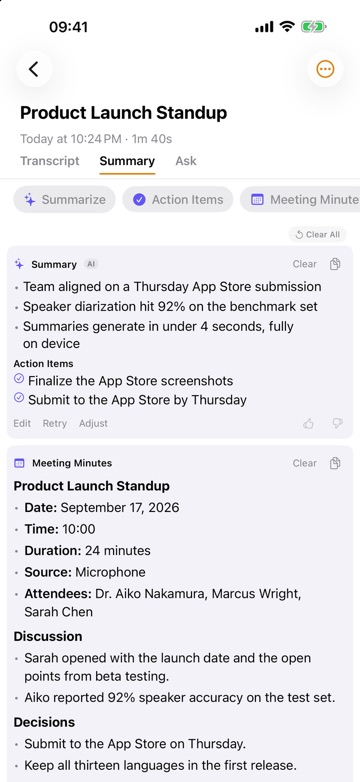
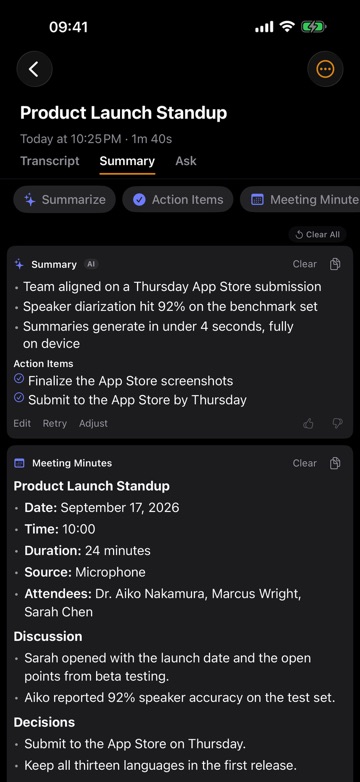
Meeting minutes and action items from a recording, step by step
How to get meeting minutes and action items from a meeting recording on iPhone or Mac: record, name speakers, generate minutes, check citations, and share them.
Guía6 min de lecturaBuild an automatic meeting notes pipeline on a Mac, the easy way
An automatic meeting notes workflow on a Mac: capture, transcribe, summarize and file every meeting, what a DIY pipeline involves, and how to skip the scripts.
Guía8 min de lecturaRecord a Zoom, Teams or Meet call on Mac without a bot
How to record both sides of a video call on a Mac with ThinkScribe using System audio capture, with no bot joining the meeting and no account.
Guía5 min de lecturaHablantes
Local speaker diarization on a Mac: how it works, how to get it
Speaker diarization on a Mac without uploading audio: how who-spoke-when works, what a DIY toolkit setup involves, and how to get named speakers in a few taps.
Guía6 min de lecturaSpeaker identification: name who is speaking in a transcript
How speaker identification works in ThinkScribe: name Speaker 1 once, enroll a colleague, fix a wrong label, and merge duplicate speakers.
Guía8 min de lectura
Importar
How to transcribe a video to text on Mac and iPhone
Get text out of an MP4 or MOV: import the video, batch transcribe a folder on Mac, export SRT or VTT captions, and how it compares with auto-captions.
Guía8 min de lecturaTranscribe an audio or video file on Mac, iPhone and iPad
How to transcribe an audio or video file on Mac, iPhone or iPad: Import Audio File, the share sheet, drag and drop, batch imports and choosing the language.
Guía7 min de lecturaMac
Cómo transcribir audio a texto en Mac (gratis y sin conexión)
Cómo transcribir audio a texto en Mac: qué incluye ya macOS, qué supone montártelo tú mismo y la forma de convertir un archivo en texto sin conexión en un paso.
Guía7 min de lecturaGrabar reuniones de Zoom y Teams en Mac con el audio del sistema
Cómo grabar una reunión de Zoom o Teams en Mac con el audio del sistema: por qué cuesta, qué hacen sus grabadoras y la forma de hacerlo en un paso, sin bot.
Guía7 min de lectura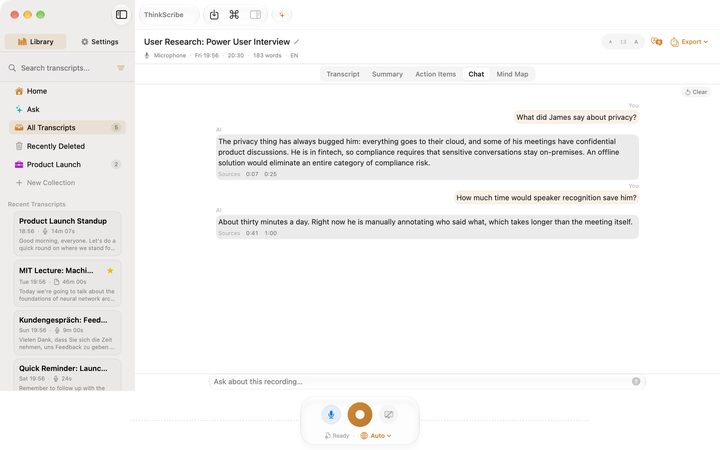
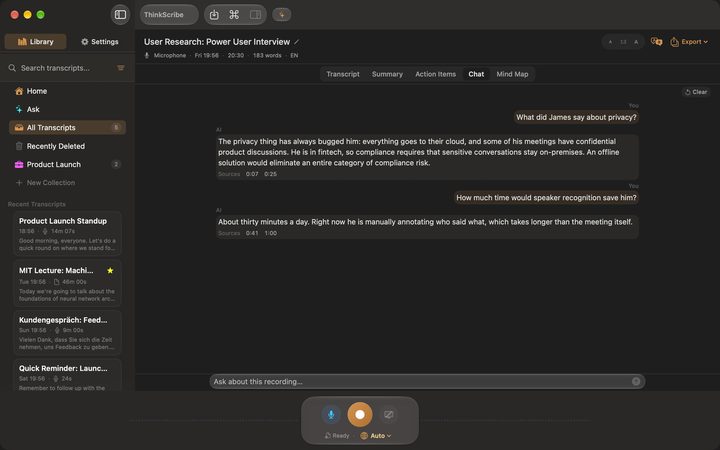
Summarize meeting transcripts locally on a Mac, without the setup
Summarize a transcript locally on your Mac: how a language model on the Mac does it, prompts, context limits, chunking, and the one-click way in ThinkScribe.
Guía7 min de lecturaiPhone
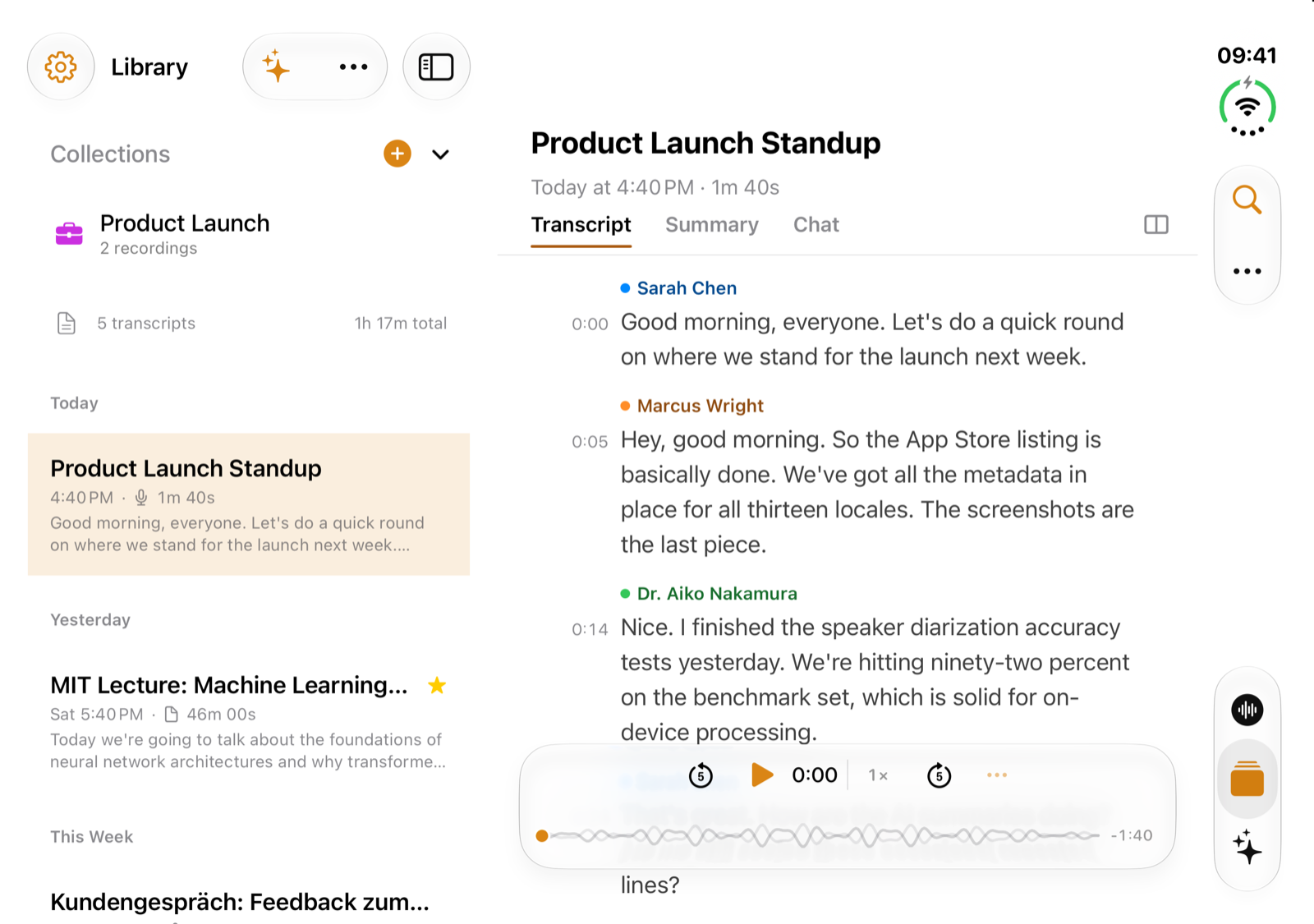
ThinkScribe en el iPhone Duo: transcripción y resumen lado a lado
ThinkScribe en el iPhone Duo: fuera, como en el iPhone; dentro, la biblioteca junto a la grabación y, si quieres, la transcripción junto a su resumen. Misma compra.
Guía8 min de lecturaTranscribe audio to text on iPhone: record or import a file
How to transcribe audio to text on iPhone: record or import a file from Voice Memos, WhatsApp or Files, pick the language, then search, clean and export it.
Guía6 min de lecturaVoice Memos transcription on iPhone and Mac, and where it stops
How to see, search and copy a Voice Memos transcript on iPhone and Mac, which devices and languages Apple supports, and what to do when you need more.
Guía7 min de lecturaDictado sin conexión en iPhone con un teclado de voz
Configura el dictado sin conexión en iPhone: qué idiomas del dictado de Apple funcionan en el dispositivo y cómo añadir un teclado de voz que funciona sin red.
Guía7 min de lecturaTranscribir mensajes de voz de WhatsApp en iPhone, de tres formas
Tres formas de transcribir mensajes de voz de WhatsApp en iPhone: las transcripciones de WhatsApp, Notas de Voz y compartir a una app que funciona sin conexión.
Guía9 min de lecturaTurn long voice messages into text you can read
How to turn a long voice message into text you can skim, search and quote, why long voice notes are the real problem, and how it works with no connection.
Guía8 min de lectura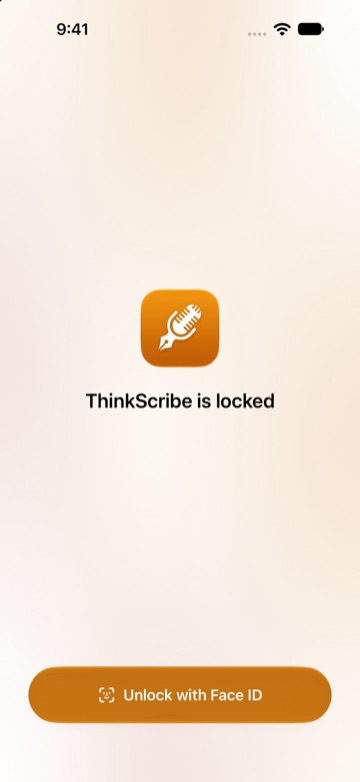
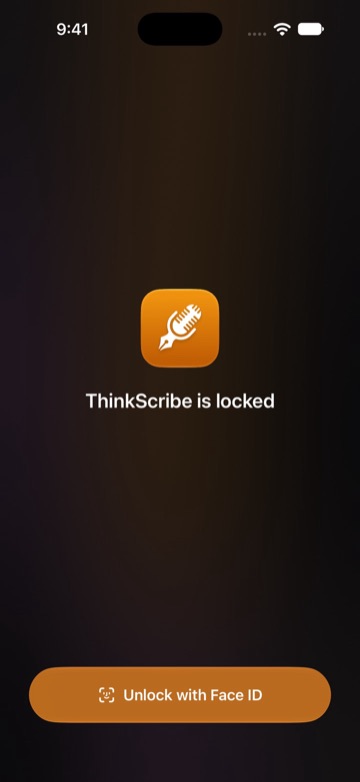
Voice journaling on iPhone, Apple Watch and Mac, transcribed on device
How to keep a voice journal on iPhone, Apple Watch or Mac: quick entries, transcripts made on your device, a Face ID lock, and finding an old entry.
Guía11 min de lecturaTranscripción
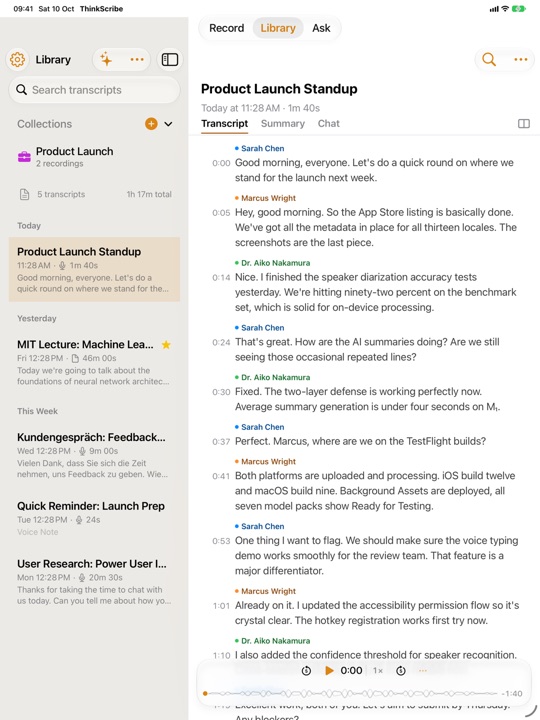
Record a lecture on iPad while you take notes in another app
How to record and transcribe a lecture or meeting on iPad while you write in Goodnotes, Notability or Apple Notes: ThinkScribe keeps recording next to your notes app.
Guía4 min de lecturaHow to record a lecture and turn it into study notes
Record the lecture on a phone or laptop, get a transcript you can search, and turn it into summaries, key points and questions you can revise from before the exam.
Guía7 min de lecturaHow to transcribe research interviews without uploading them
Interview transcription for research: verbatim or intelligent verbatim, speaker labels, anonymising as you go, and getting the file into your analysis tool.
Guía6 min de lecturaTurn a podcast episode into a transcript, show notes and chapters
A repeatable workflow for podcast transcription: clean speaker-labelled text, show notes and chapter markers, subtitles for the video cut, all from one recording.
Guía6 min de lecturaHow to Create SRT Subtitles from an Audio File on Mac
Create SRT or VTT subtitles from an audio file on a Mac: what a subtitle file needs, how to get one in a few clicks, and how to fix timing and line length.
Guía5 min de lecturaSelf-host a transcription server? What it really costs you
Should you self-host a transcription server? What running one involves, the hardware, security and running costs, and the alternative on devices you own.
Guía9 min de lecturaSermon Transcription Guide, from Recording to Transcript
A practical sermon transcription guide: how to record in a sanctuary, transcribe a sermon to text on a Mac or iPhone, label Q&A speakers, and publish it.
Guía7 min de lectura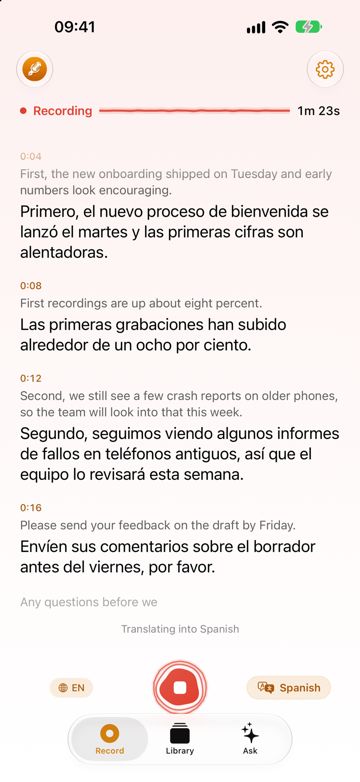
Modelos de voz
Run NVIDIA Parakeet locally on Apple silicon: what it takes
Running NVIDIA Parakeet TDT locally on a Mac: the model, its 25 languages, speed against Whisper, memory, what a manual setup involves and the one-step way.
Guía8 min de lecturaRun Whisper locally on a Mac: what it takes, and the one-step way
Running Whisper locally on a Mac means a model file, audio conversion and Terminal upkeep. What that involves, and how to get an offline transcript in one step.
Guía9 min de lectura