Voice Memos alternative
Voice Memos gives you a transcript.
ThinkScribe gives you the meeting.
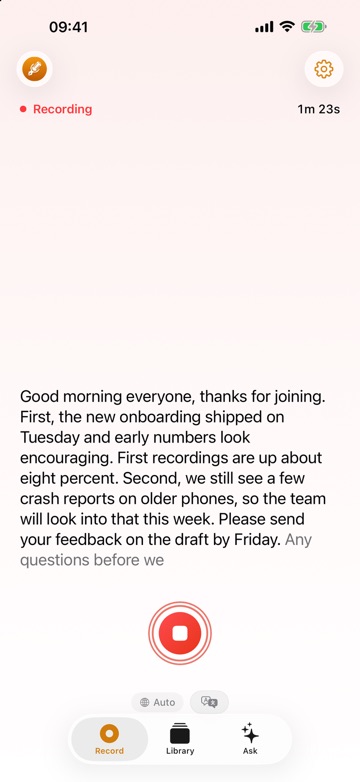
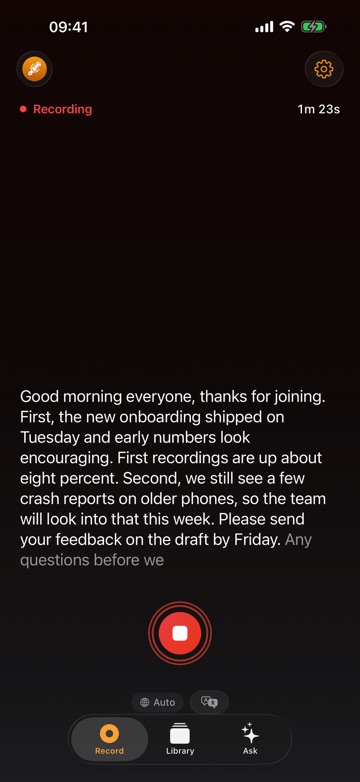
Voice Memos is free, already on your iPhone, and now transcribes on the device. It is built for quick notes: no speaker names, no transcript files to export, and no minutes or questions about a recording. ThinkScribe also records and transcribes on your device, and adds a name on every line, AI notes you can question, real exports and call recording on the Mac.


ThinkScribe vs Voice Memos
A factual side-by-side: here's where the two differ.
| ThinkScribe | Voice Memos | |
|---|---|---|
| Transcribed on your device | ✓ | ✓ |
| Live transcript while you record | ✓ | ✓ |
| Name a speaker once, recognized next time | ✓ | ✕ |
| Export the transcript as a file (PDF, SRT, Markdown…) | ✓ | ✕ |
| Summaries, action items and minutes | ✓ | ~ |
| Ask questions about a recording, with citations | ✓ | ✕ |
| Record Zoom or Teams calls on the Mac | ✓ | ✕ |
| Transcription languages | 28 | 10 |
| Price | Free to try · $9.99/mo · $199.99 lifetime | Free, built in |
✓ yes · ~ partial · ✕ no · Voice Memos details as of September 2026, check their site for the latest.
Why people switch
- Every line has a speaker's name, and a voice you have named is recognized in later recordings.
- Summaries, action items, minutes and a chat that answers questions about the recording and cites the exact lines.
- Export transcripts as PDF, SRT, Markdown and more (Word on the Mac), and record Zoom or Teams calls on your Mac.